.webp)
Beyond Generative AI: The Complete AI Design Toolkit for 2026

Beyond Generative AI: The Complete AI Design Toolkit for 2026
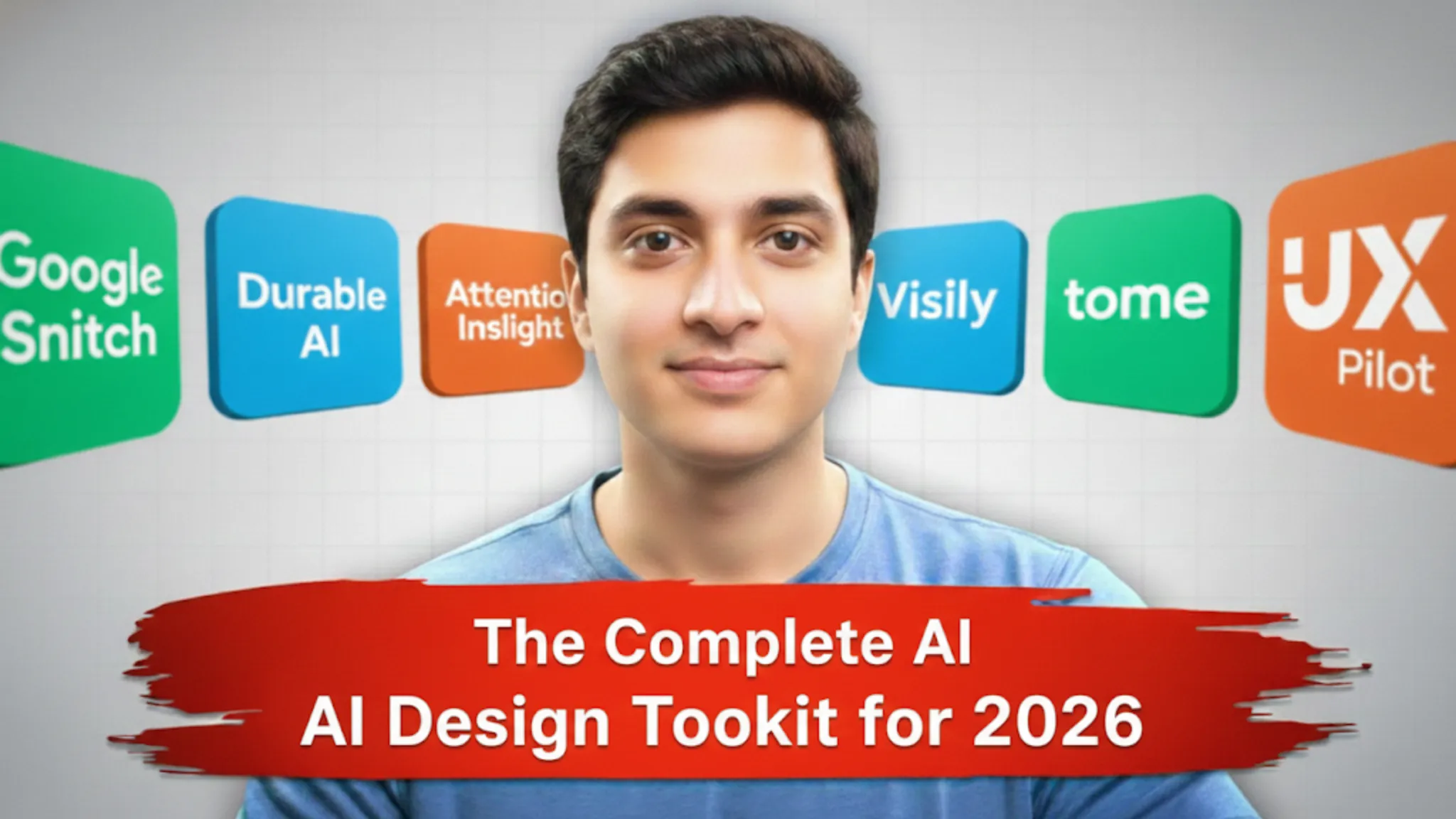
Generative AI has moved from experimental to essential, but not all tools deserve the same attention. In 2025, the real divide is between tools that genuinely speed up meaningful work versus those that just generate noise. If you're shipping digital products, designing marketing experiences, or building brand systems, there are six tools that stand out not because they're hyped, but because they solve specific, painful parts of the design workflow. Here's what every designer should try before the year ends.
Google Stitch – Prompt‑to‑Production UI in Minutes
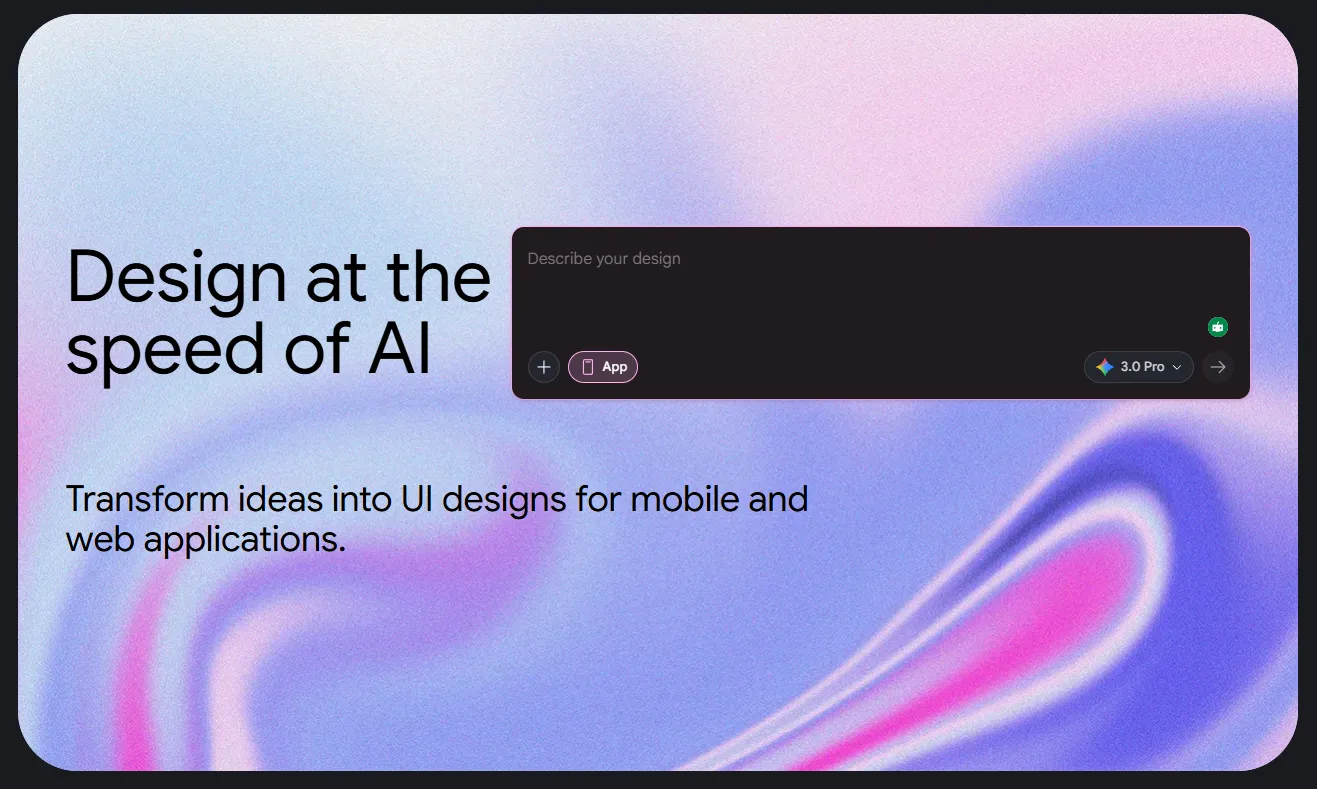
Google's Stitch, unveiled at Google I/O 2025 and now running on Gemini 2.5 models, is one of the most significant shifts in AI-assisted UI design.
What it does:
Stitch turns natural language prompts, sketches, wireframes, or reference images into fully responsive UI layouts, complete with working front-end code in HTML/CSS in minutes. You can describe your app ("A mobile dashboard for expense tracking with charts and filters"), upload a rough sketch, or paste a screenshot, and Stitch generates a polished, interactive UI.
Why it matters:
The newest updates include an "Annotate" feature that lets you comment directly on UI screens. Gemini then reads your feedback and implements changes instantly. A "Theme" panel lets you toggle light/dark modes, adjust color palettes, corner radii, and fonts across the entire interface at once, making design system consistency almost automatic. For teams already in Google's ecosystem, integration with Figma is seamless.
The speed is genuinely transformative. What took days of wireframing and layout exploration now takes an hour of iteration with AI generating the baseline.
Best for:
- Product designers building mobile or web apps.
- Developers who want UI mockups without waiting for design teams.
- Anyone scoping rapid prototypes for investor pitches or internal proof-of-concepts.
Durable – Full Websites From 30 Seconds to Finished Product
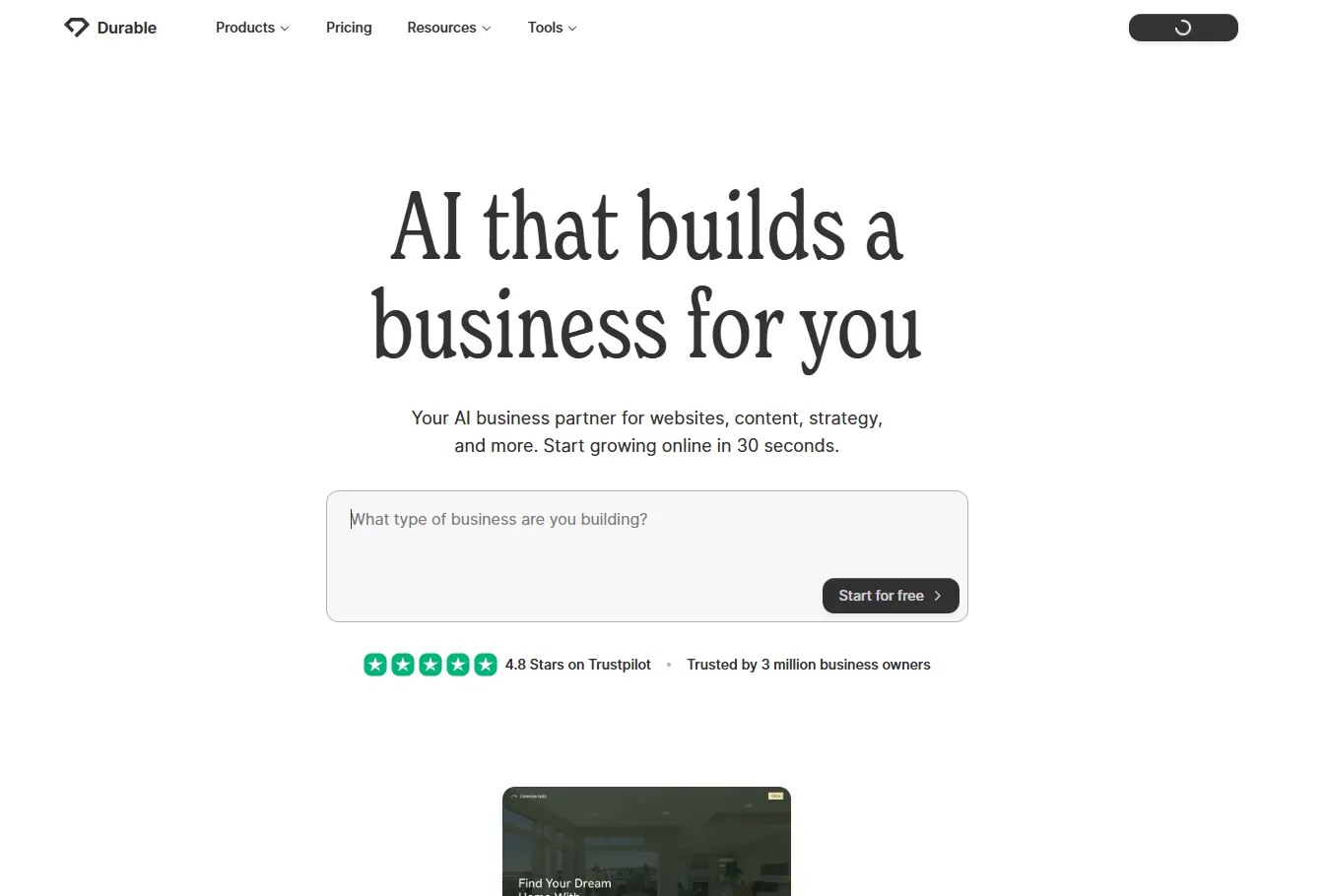
Durable has quietly grown to serve 10+ million users by solving a specific problem: small businesses and startups shouldn't need designers to have professional web presence.
What it does:
Feed Durable a few sentences about your business like, what you do, who you serve. So it can generates a complete, mobile-responsive website with copy, imagery, and layout in under a minute. Included with every site: built-in SEO optimization, CRM tools, email marketing, invoicing, and a custom domain.
Why it matters:
You get a functional, serviceable website fast enough that non-technical founders can launch without hiring an agency. The generated sites are clean and navigable. More importantly, Durable doesn't try to replace professional design, it removes the friction for projects that don't need it. For designers, Durable is useful when you need to spin up quick landing pages, test markets, or support client rapid experimentation.
The catch: design customization is limited compared to drag-and-drop builders. If you're building something distinctive or brand-heavy, this is the wrong tool.
Best for:
- Founders and solopreneurs validating business ideas.
- Designers needing fast, serviceable marketing sites as proof-of-concept.
Attention Insight – Predictive Eye Tracking Before Real Users
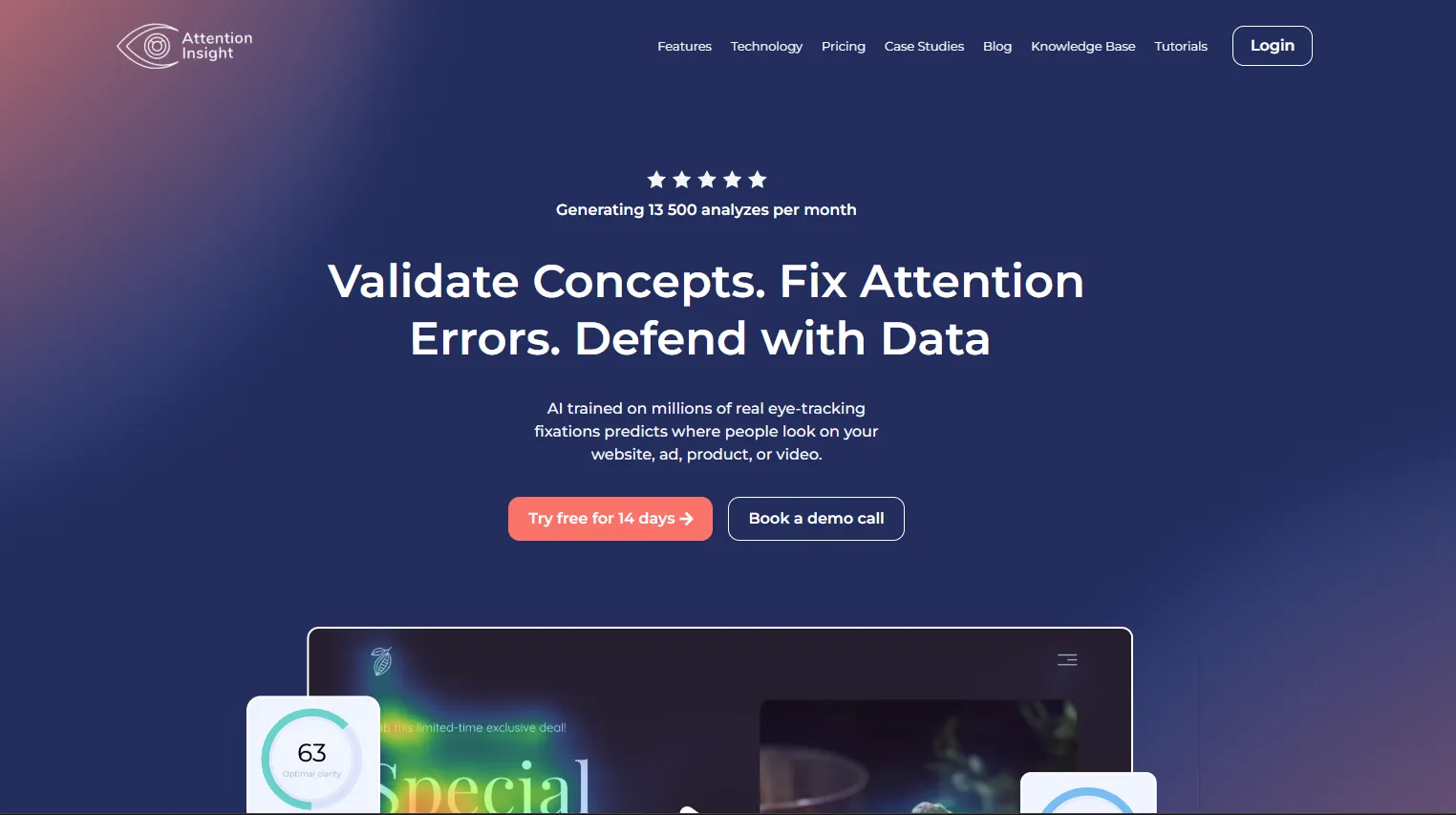
Attention Insight is one of the most underrated tools in the designer's stack because it answers a painful question: "Will users actually see my CTA? Will they notice the pricing? Is my layout hierarchy working?" without running expensive usability tests.What it does:
Using neuroscience-inspired algorithms and machine learning, Attention Insight generates predictive heatmaps showing exactly where users' eyes will land on your design. It integrates directly with Figma as a plugin, so you can analyze your layouts without leaving the tool. The heatmaps show attention intensity, areas users might miss entirely, and whether your visual hierarchy is actually working.
Why it matters:
You can validate layouts, test CTA placement, and identify design weaknesses before running formal tests or shipping. Insights reveal whether users will follow expected visual paths, which elements are genuinely catching attention, and which areas are getting overlooked. For conversion-driven design (landing pages, pricing screens, checkout flows), this is invaluable intelligence that usually requires eye-tracking studies or A/B testing at scale.
The predictions are accurate enough (up to 90% correlation with real eye-tracking studies) that you can make confident design decisions based on them.
Best for:
- Designers optimizing conversion-driven experiences.
- Teams testing multiple layout directions without user recruitment.
- Landing page and pricing page specialists.
Visily – Collaborative UI Design for Non-Designers
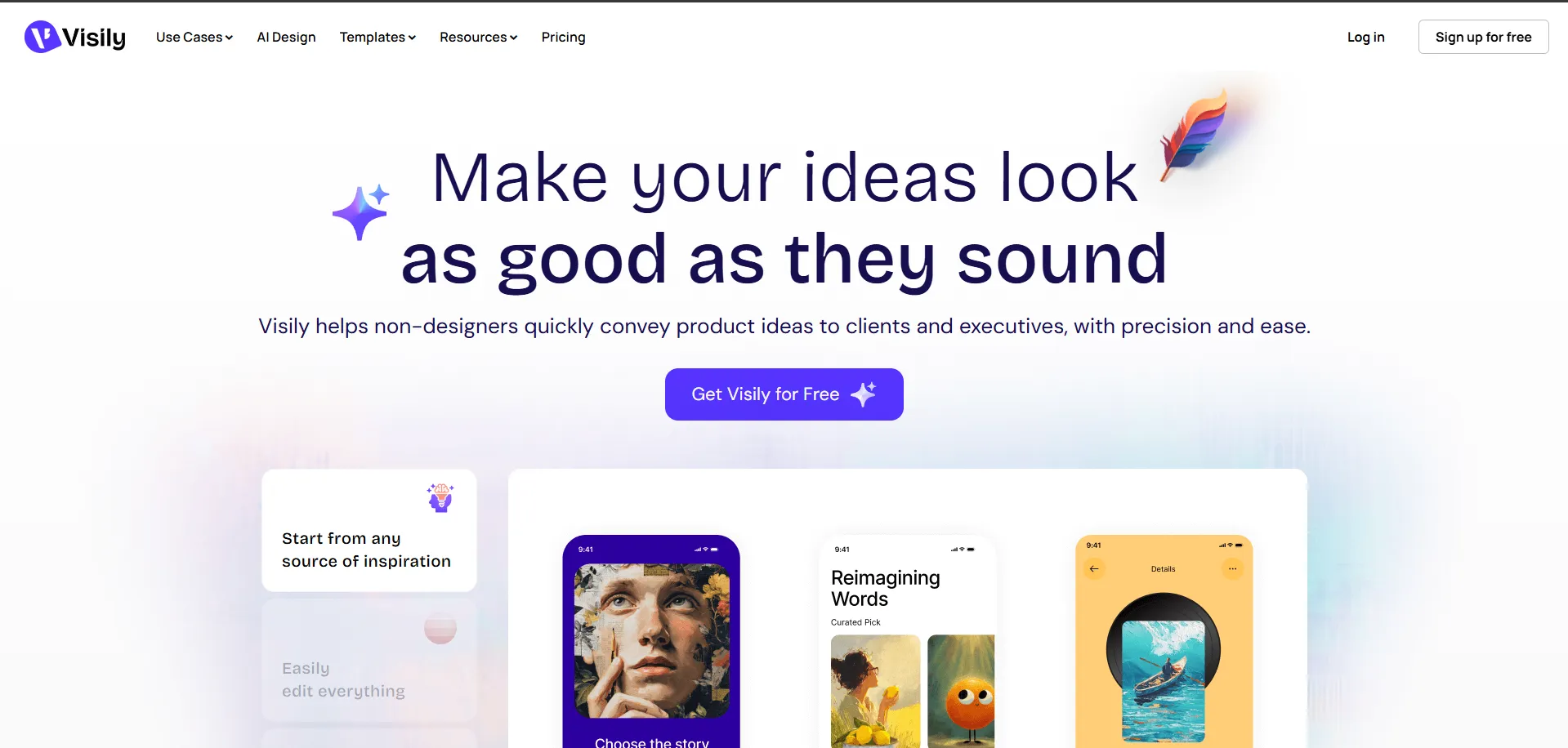
Visily sits in a sweet spot: it's AI-assisted UI generation for teams where non-designers (PMs, founders) need to participate in design conversations but can't jump into Figma.What it does:
Transform text prompts, sketches, screenshots, or rough wireframes into editable mockups and interactive prototypes. Visily generates multiple layout options for the same screen, so you can explore directions quickly.
Why it matters:
It bridges the communication gap between product and design by letting PMs "show, not tell" what they're imagining, and designers can iterate from there instead of translating vague requirements. The outputs are editable, so your design system can be applied afterward without starting from scratch.
Best for:
- Early-stage startups where everyone wears multiple hats.
- Teams collaborating across design and product roles.
Tome – Storytelling and Narrative-Driven Decks
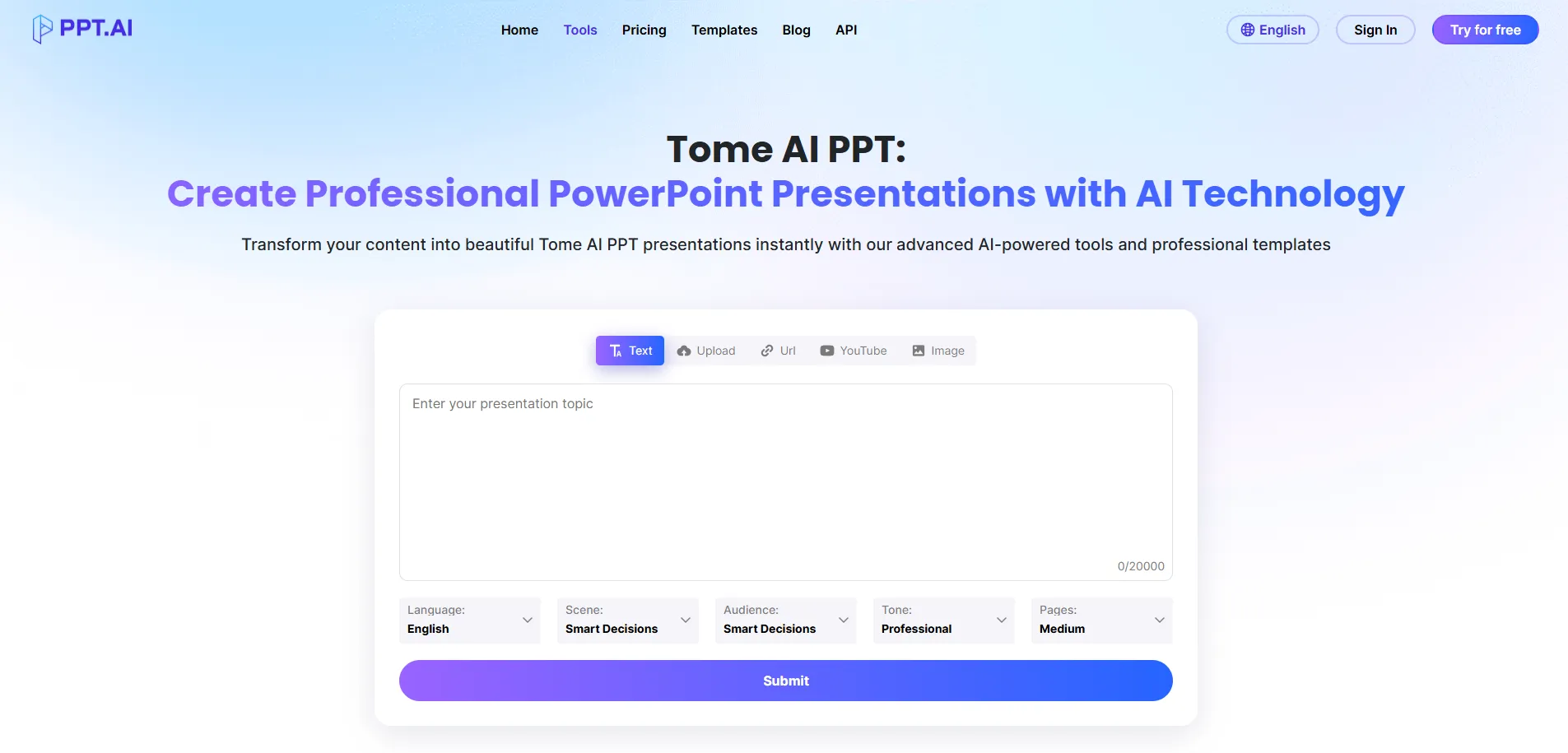
Tome generates AI-powered presentations and narrative documents that are useful for both internal storytelling and client pitches.
What it does:
Describe your story or product narrative, and Tome generates a multi-page, visually cohesive presentation with layout, copy, and design that flows logically. You can then refine visuals and messaging, making it a faster starting point than blank Keynote.
Why it matters:
For designers regularly creating case studies, project narratives, and internal knowledge-sharing docs, Tome cuts the layout and structure work significantly, leaving your creative energy for storytelling and customization.
Best for:
- Design teams documenting case studies and processes.
- Product managers creating feature rollout narratives.
UX Pilot – Research Synthesis and Design Recommendations
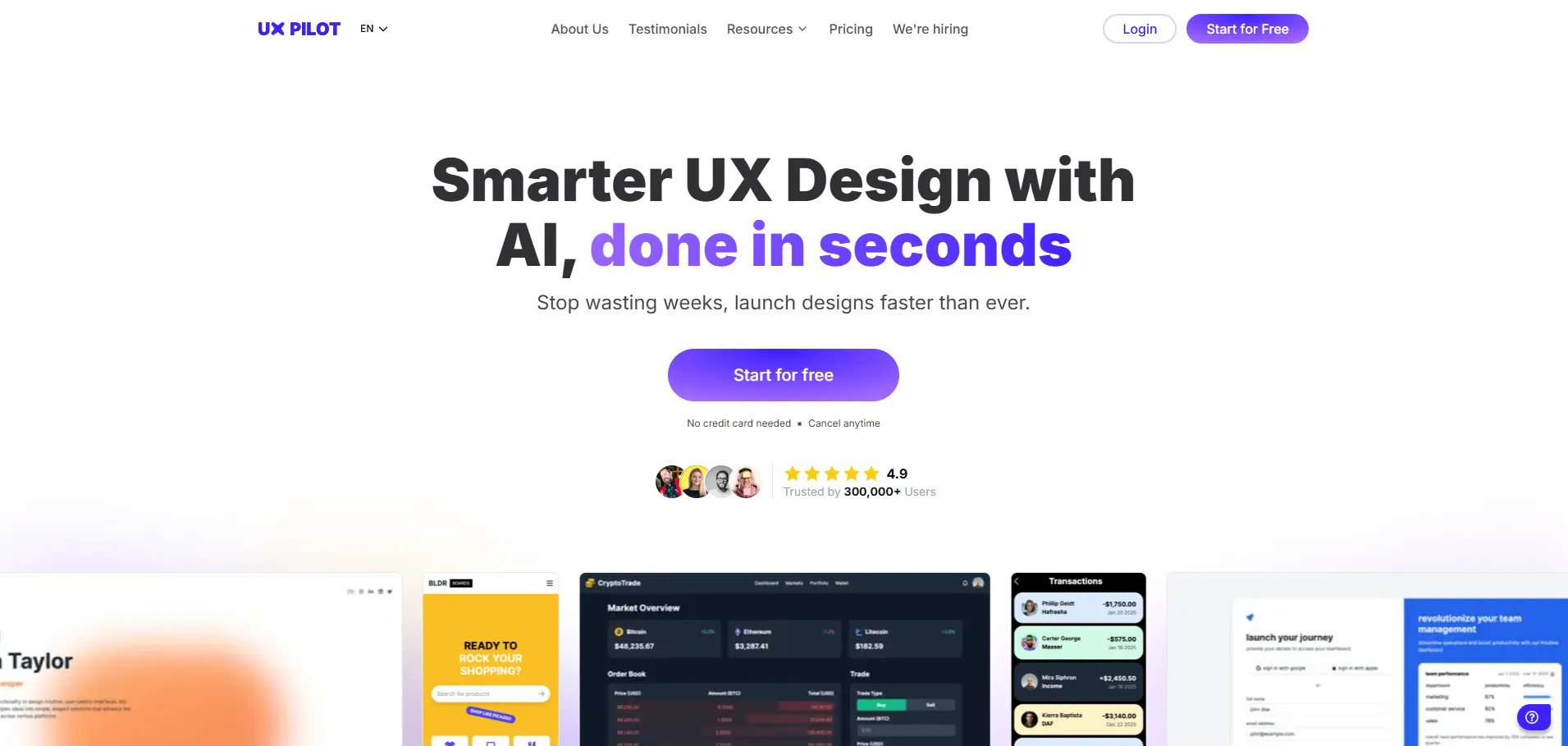
UX Pilot is one of the most niche but powerful tools on this list: it's an AI assistant tuned specifically for UX research.
What it does:
Paste your research notes, interview transcripts, or survey data into UX Pilot, and it synthesizes findings into themes, identifies UX issues, and suggests design opportunities, all faster than manual synthesis
Why it matters:
Most designers still do this synthesis manually or ask ChatGPT, which treats your research like generic text. UX Pilot understands the language and patterns of UX research, asking follow-up questions and surfacing insights you might otherwise miss.
Best for:
- UX and product designers running continuous discovery.
- Teams wanting to close the loop between research and design iteration.
Building Your 2026 Stack
You don't need all six tools. A lean, practical stack for most designers going into 2026 might be:
- UI generation and prototyping: Google Stitch (for product) or Durable (for web/marketing).
- Design validation: Attention Insight to catch layout and attention issues early.Collaboration: Visily if your team isn't entirely Figma-native.
- Research acceleration: UX Pilot if you're running regular discovery work
- This combination covers the full lifecycle: from ideation through validation, without redundancy.
How to Choose: Three Tests for Any Too
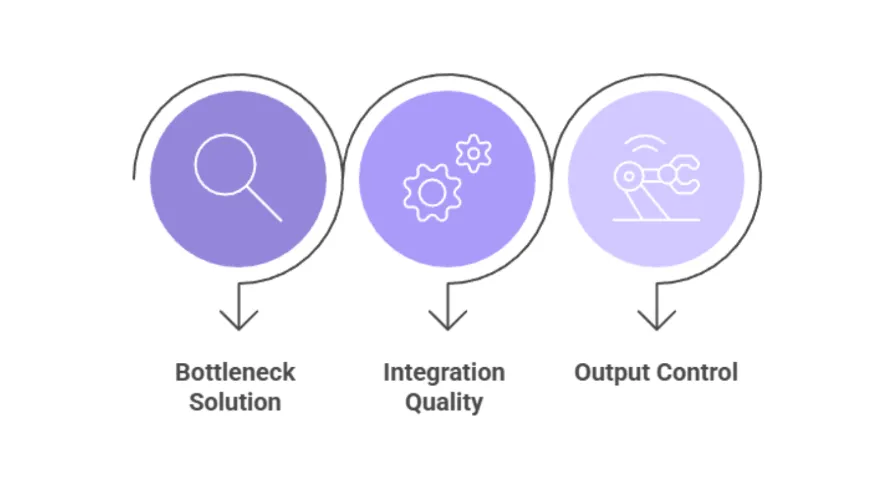
Before adding a new tool to your workflow, ask:
- Does it solve a real bottleneck? If ideation isn't your pain point, Stitch won't help. If layout exploration is, it will.
- Does it integrate cleanly? The best tools plug into tools you already use (Figma, Figma plugins, exports).
- Do you control the output, or does the tool control you? Good AI amplifies your judgment; bad AI replaces it.
The Future Belongs to Strategic AI Users, Not Tool Collectors
The designer's paradox of 2026 is simple but stark: the most sophisticated tools mean nothing without a sharp, intentional process behind them. By next quarter, everyone will have access to Google Stitch, Durable, Attention Insight, Visily, Tome, and UX Pilot. The real competitive edge won't come from owning these tools—it'll come from knowing exactly which ones solve your specific bottlenecks, and more importantly, when to use them and when to step back.
The teams that win aren't racing to automate everything. They're reclaiming hours buried in repetitive work. This is the real shift happening in 2026. AI doesn't replace judgment; it amplifies it.
The tools are just infrastructure. What matters is how you think. That's the game in 2026. Not "how much can AI do?" but "what's the smallest, sharpest set of tools that lets you think better and move faster on what can decided.”
Build that stack. Protect that thinking. Ship distinctive work.


.svg)