4MINUTES
Top 7 AI tools a designers must try before 2026
AI tools for designers 2025, best AI design tools, generative AI for designers, AI-powered design software, creative AI tools 2025

For as long as anyone can remember, traditional branding has been about central control, through consistent messaging, tightly managed image, and top-down storytelling. Web3 and decentralization challenge the status quo by redistributing trust and ownership. Suddenly, brand equity can be co-created, tokenized, and even governed by communities rather than corporations. As good as it sounds, it’s also fertile ground for nonsense. A thousand “decentralized” projects are just new forms of centralized control. People are promising more than the tech can deliver. The interesting work is asking not “What can Web3 do for brands?” but rather “What happens to the concept of a brand when ownership, identity, and participation get decentralized?” This article inquires into it in a way that connects technology, economics, and psychology in fascinating ways.
Top 7 AI Tools a Designer Must Try Before 2026
Design is at a turning point, as artificial intelligence changes the way professional creatives work. Where traditional design processes involve hours of repetitive work, AI-based tools can take a lot of that off your plate and leave more time for creative decisions. As 2026 comes into sight, these seven AI products are worth knowing for any designer who wants to work faster.
Why These 7 Tools Earned Their Spot
These tools weren't picked at random. Each one solves a specific, common problem in design work, fits into existing workflows, is reasonably easy to learn, and has a clear place in how designers will work in 2026 and beyond. This is our selection, not a ranking based on adoption data.
The Essential 7: AI Tools Every Designer Must Master
1. Figma AI - The Smart Design Companion
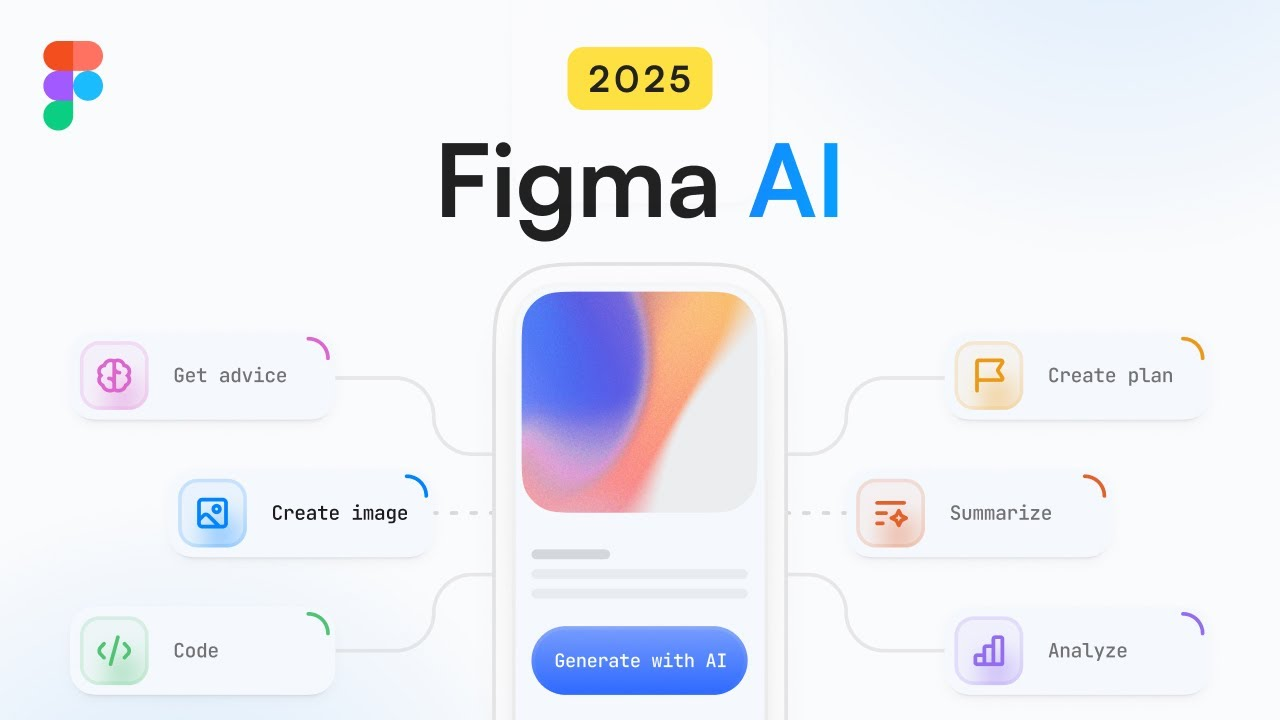
Figma AI adds AI features directly inside Figma, so they feel like part of the tool rather than a separate product. First Draft generates a starting layout from a text prompt, and other features help with repetitive work like renaming layers, rewriting text and editing images. Figma has also launched Figma Make for turning prompts into working prototypes.
Key Features:
- First Draft for generating a first layout from a prompt
- Automatic layer renaming and auto layout suggestions
- Text rewriting and translation
- Image generation and background removal
Why It's Essential: Figma AI fits into existing workflows without asking designers to learn a new platform. The features support rather than replace human creativity, which makes them useful for UI/UX designers and product teams who need to stay consistent at scale.
Pricing: AI features are included in Figma's plans with usage limits (AI credits) that vary by plan and seat type. Check Figma's pricing page for current details, as plans have changed several times.
2. Figr.design - The Design System Automation Specialist
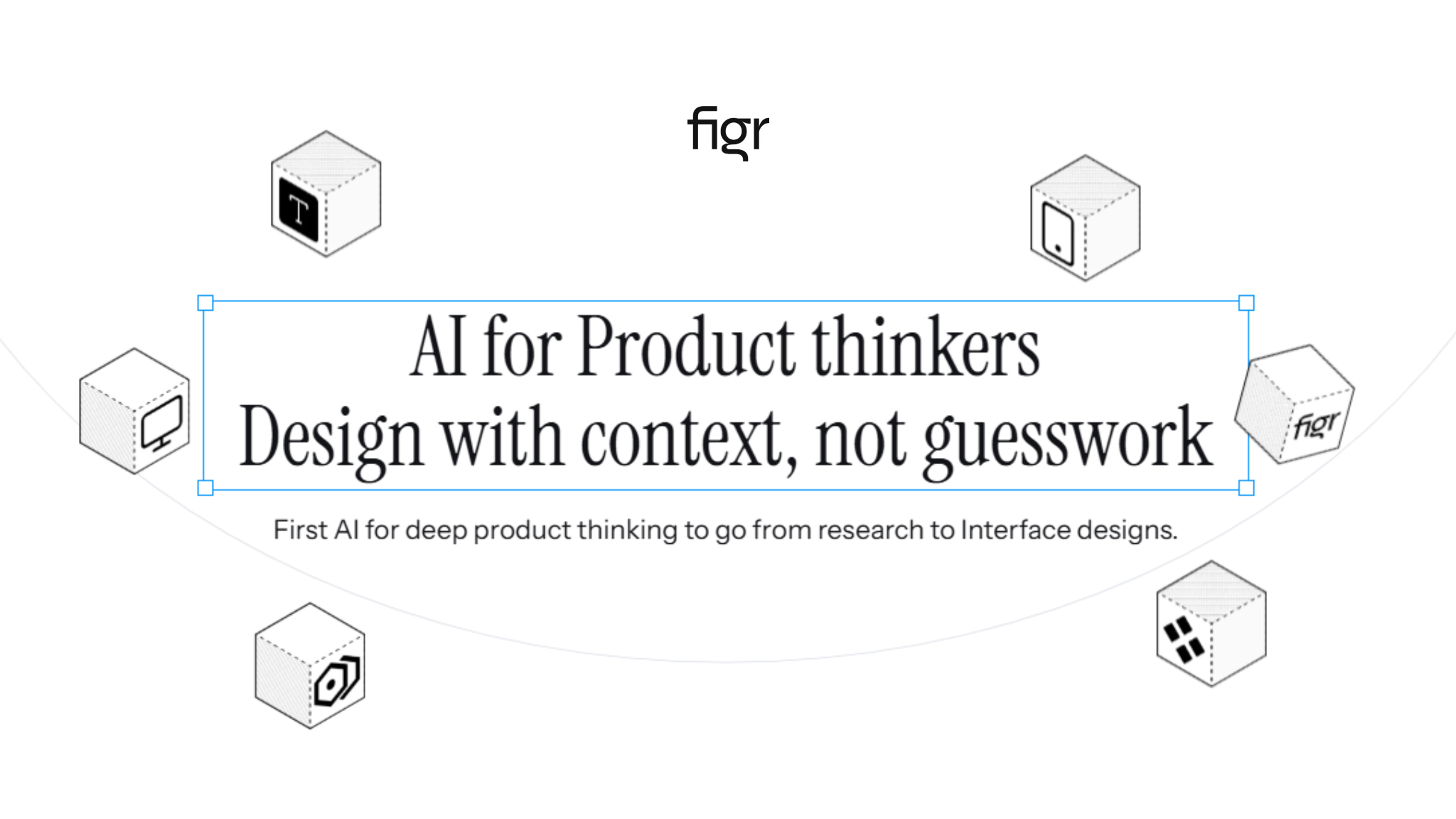
Figr.design is an AI-driven platform that helps with UI design work such as design systems, app flows, wireframes and layouts. Its tool Figr Identity runs as a Figma plugin and can generate a design system from your file, handling style tokens such as colours, typography, spacing, effects and grids.
Key Features:
- AI-assisted design system generation with token creation
- Colour, typography and spacing clustering from existing Figma files
- Ready-made component library on paid plans
- Figma variables and styles creation
- Design system documentation
Why It's Essential: For teams already working in Figma, Figr.design cuts down the manual work of building a design system from scratch. Reading existing Figma files and generating consistent tokens is useful for keeping growing products consistent.
Pricing: A free plan is available, with paid plans for more exports and components. Check the Figr website for current pricing.
3. Canva Magic Studio - The Accessibility Champion

Canva Magic Studio brings AI-powered creation to a tool almost anyone can use. Magic Design generates templates from a prompt, Magic Switch converts designs across formats and languages, and Magic Media creates images and videos from text prompts.
Key Features:
- Magic Design for instant template generation
- Magic Switch for format and language conversion
- Magic Media for text-to-image and video creation
- Magic Edit for precise image modifications
Why It's Essential: Magic Studio removes barriers between ideas and execution, making good design possible for non-designers while giving experienced creators quick tools for everyday assets.
Pricing: A free tier is available with limits; most Magic Studio features need a Canva Pro or Teams plan. Prices vary by country.
4. Midjourney - The Concept Visualiser

Midjourney turns text prompts into striking visual concepts with a distinctive artistic quality. It's particularly useful for mood boards, concept exploration and creative ideation, and it can now be used through its web app as well as Discord.
Key Features:
- Strong prompt understanding with artistic interpretation
- Multiple style variations and aspect ratios
- Stealth mode for private generation (higher-tier plans)
- Community features for inspiration and learning
Why It's Essential: Few AI tools match Midjourney's ability to produce compelling visual concepts that spark creative exploration. It's widely used by concept artists, brand designers and creative directors who need to visualise ideas quickly.
Pricing: Paid subscription plans only, from a basic tier up to plans with more fast generation time and stealth mode. Check Midjourney's plan page for current prices.
5. Uizard - The Prototype Accelerator
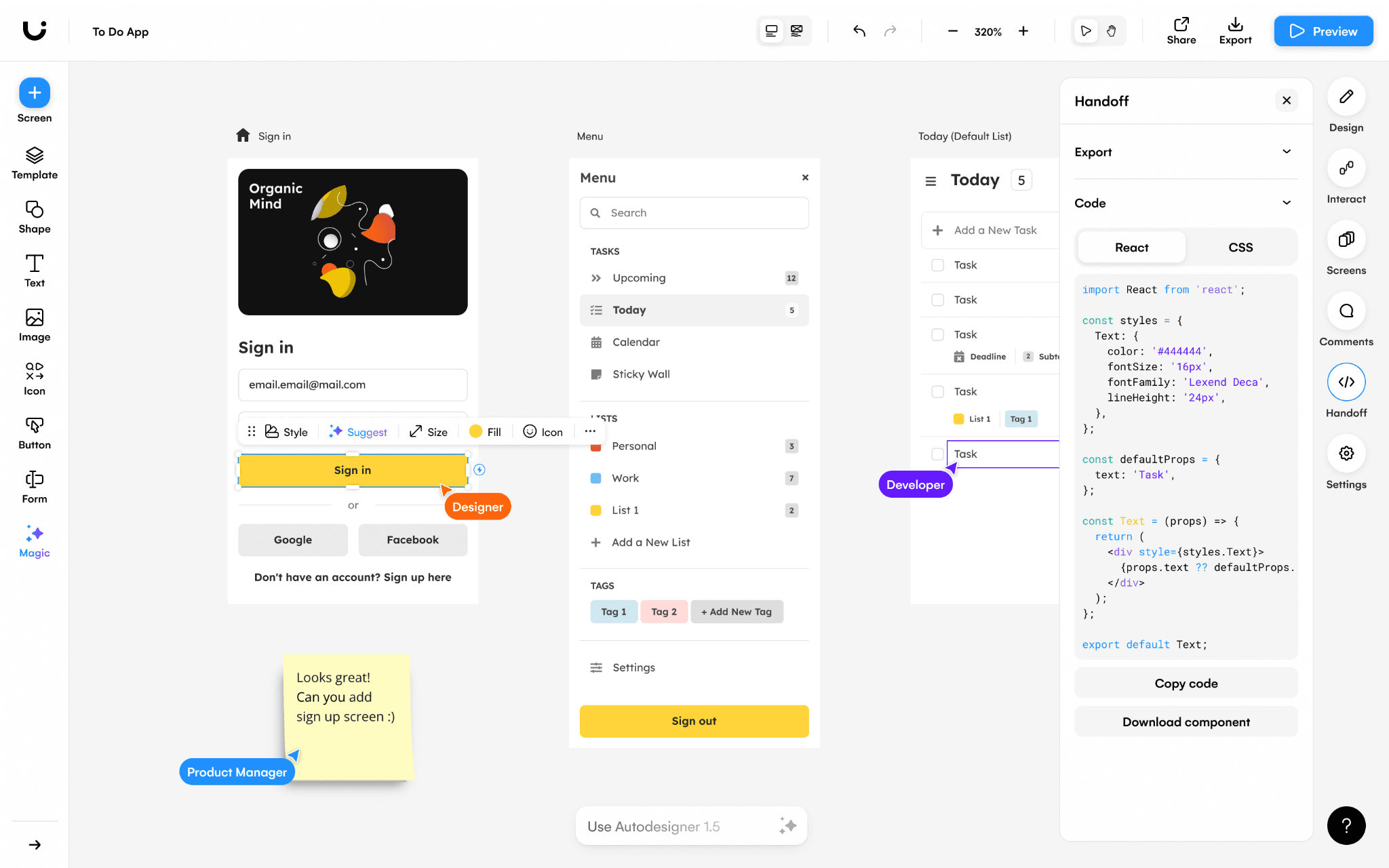
Uizard, now part of Miro, bridges the gap between ideas and interactive prototypes by converting sketches, screenshots and wireframes into editable designs. Its AI can turn hand-drawn sketches into digital mockups and convert existing app screenshots into editable prototypes.
Key Features:
- Sketch-to-digital conversion
- Screenshot-to-editable design transformation
- AI-powered wireframing and prototyping
- Real-time collaboration tools
Why It's Essential: Uizard speeds up the early stages of design by removing the manual recreation of concepts. It's particularly useful for startups, product managers and teams doing rapid prototyping where speed matters more than pixel-perfect detail.
Pricing: A free plan with limited projects, plus paid Pro and Business plans. Check Uizard's site for current prices.
6. Pixyer.ai - The E-commerce Product Photography Specialist
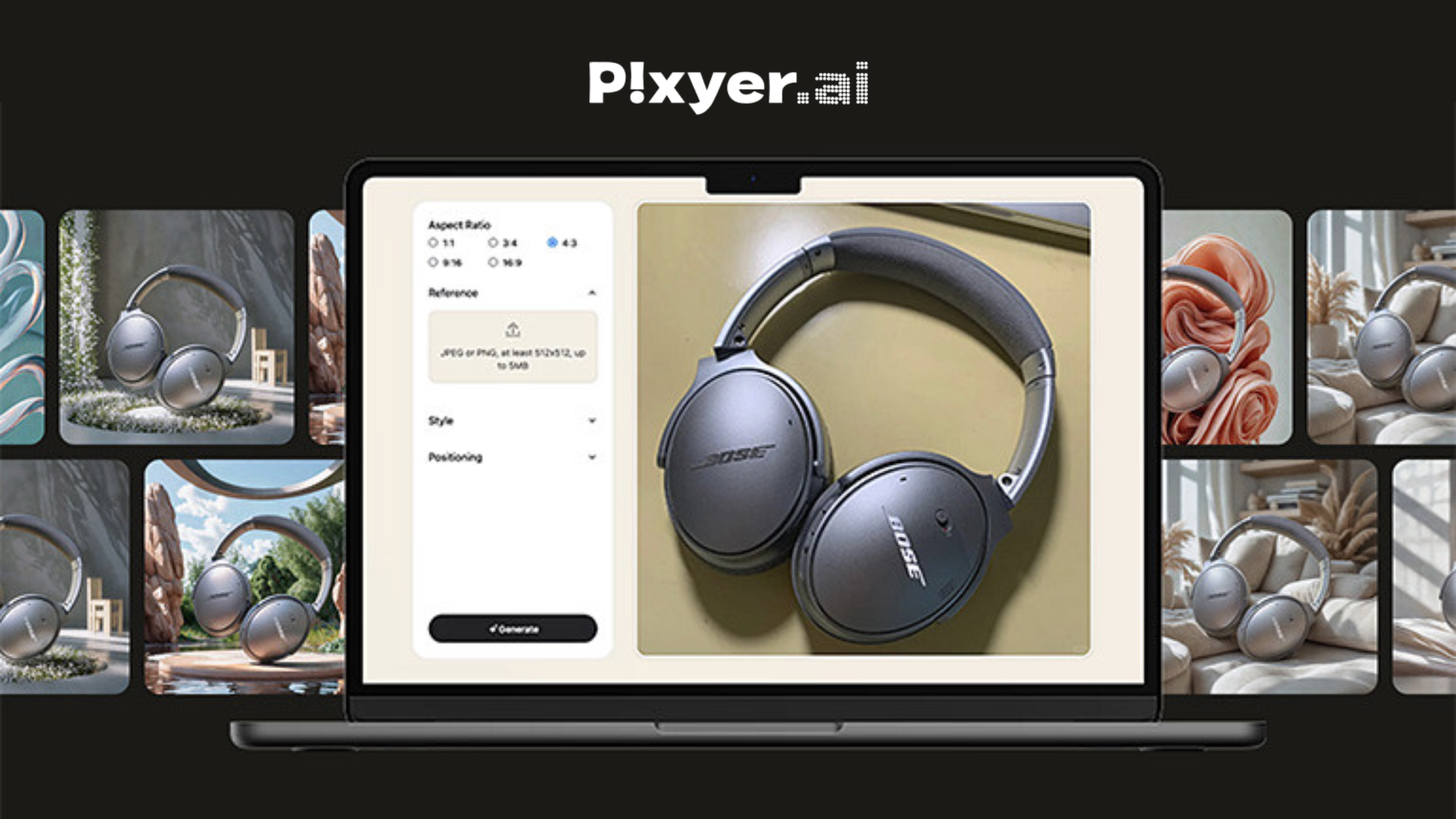
Pixyer.ai is an AI background generator built for product photography. It removes backgrounds from product images and generates new, realistic backgrounds for e-commerce listings in a few clicks, which simplifies the usual product photography workflow.
Key Features:
- Automatic background removal
- Customisable background styles
- Sizing for different platforms
- API access for bulk processing
- High-definition output
Why It's Essential: Pixyer reduces the need for a traditional product photography set-up by turning simple snapshots into clean, studio-style product photos with matching AI backgrounds. It's aimed at e-commerce sellers, creators and businesses that want to produce more visual content without professional photography equipment.
Pricing: A free trial is available, with paid plans for watermark-free downloads and more features, and API pricing for bulk processing.
7. Khroma - The Colour Intelligence Tool
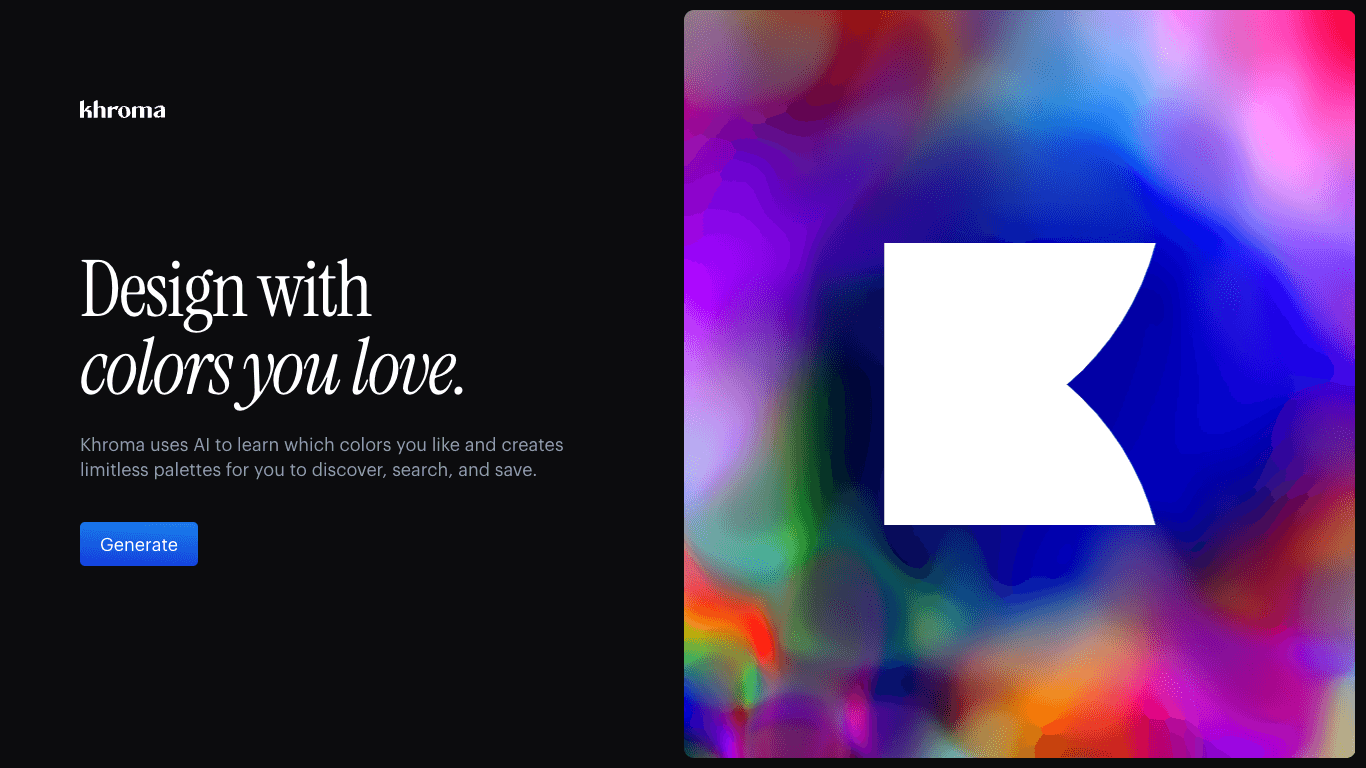
Khroma uses AI to learn your colour preferences and generate personalised palettes. You train it by picking colours you like, and it then suggests combinations that match your taste, along with contrast and technical details (CareerFoundry).
Key Features:
- Personalised AI training based on colour preferences
- Unlimited palette generation with search
- Contrast and accessibility information for colour pairs
- Multiple viewing formats (typography, gradients, images)
Why It's Essential: Colour selection often becomes a bottleneck in design projects. Khroma helps by suggesting personalised combinations that match a designer's taste while keeping readability in mind.
Pricing: Free to use.
Integrating AI Tools Into Your Design Workflow

Using AI design tools well is about adding them carefully, not replacing existing processes overnight. Start with the tool that addresses your biggest pain point, whether that's layout generation (Figma AI), concept exploration (Midjourney) or colour selection (Khroma). Learn one tool thoroughly before introducing others so you don't overload your workflow.
The best approach treats AI as a creative assistant, never a replacement. Use these tools for time-consuming work like developing variants, generating first ideas or handling repetitive tasks, while creative direction and editing stay in human hands.
Looking Toward 2026: The AI-Augmented Designer
Looking towards 2026, designers who work well with AI are positioning themselves as creative strategists rather than tool operators. The ability to brief, direct and edit AI-generated work is becoming as important as traditional design skill. Designers who build that skill will have an advantage in speed and problem-solving.
The future belongs to designers who treat AI as a way to amplify human creativity, not replace it. Learn these seven AI tools and you'll have more time for what people do best: strategic thinking, emotional intelligence and creative vision.
AI has already changed design. The question now is whether you'll lead that change or catch up with it. Pick one tool from the list and start experimenting today.
Related reading: SaaS Website Design: 12 Best Practices With Real Examples, AI-Powered Prototyping: From Concept to Clickable in Hours
Keep reading
Planning a project? See how we approach website, product and app design for startups and tech companies, or tell us what you're building.
Work with Studio Huncho
We're a creative studio for AI and SaaS startups. We design brands, websites, products and launch videos, and build sites in Webflow and Framer.