3 min readMINUTES
What Does a Website Handover Include?

The short answer
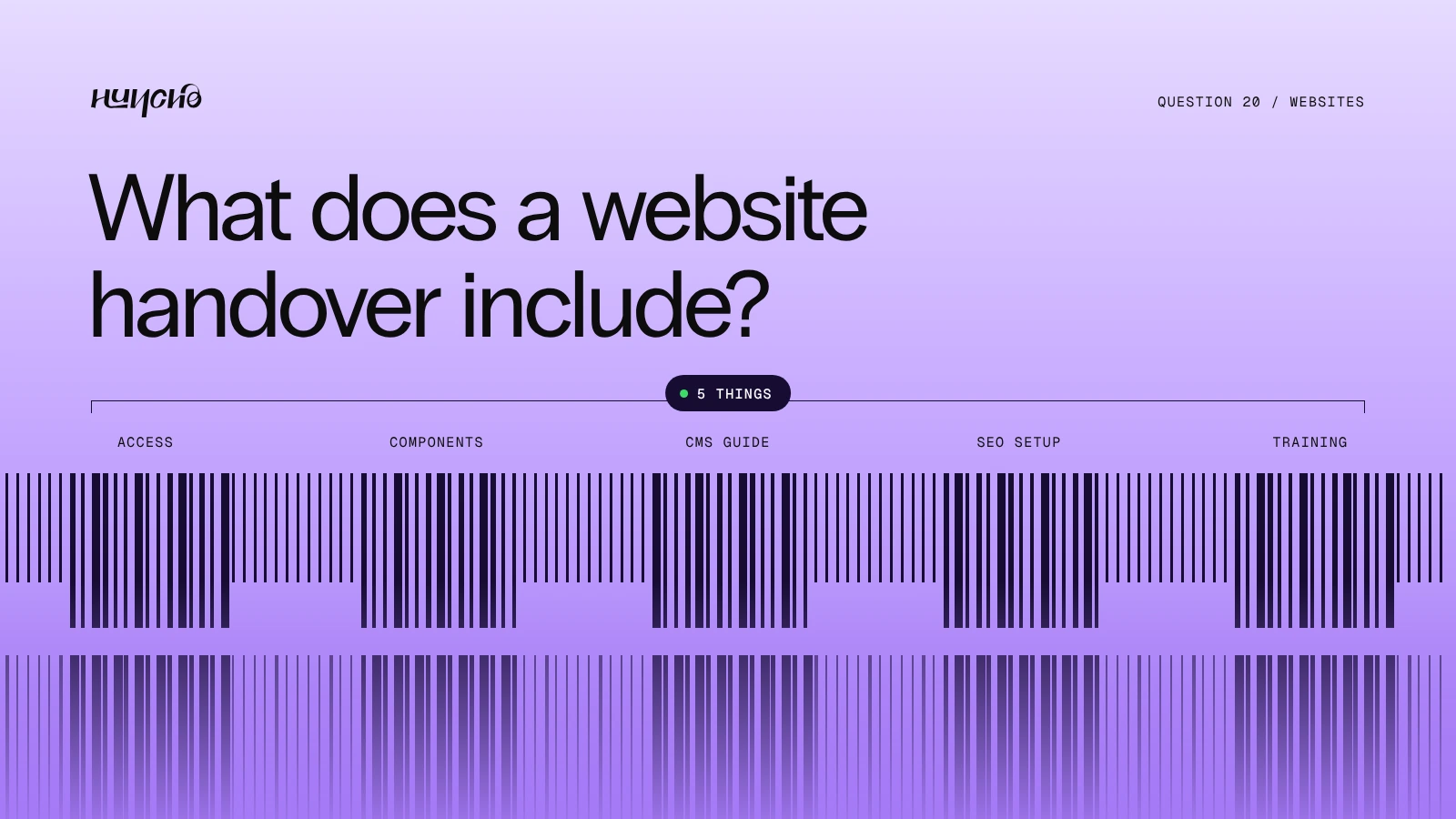
Five things: access, components, a CMS guide, SEO setup and training. The test of a good handover is simple. A week after launch, can your team publish a blog post and build a new landing page without calling the studio?
The handover at a glance
- Access: The site, domain and hosting in your own accounts
- Components: A library of sections your team can reuse
- CMS guide: How to add posts, case studies and team members
- SEO setup: Titles, redirects, sitemap and analytics in place
- Training: A recorded walkthrough for the people who will edit
What to check for each
- Access. Your company owns the workspace. The studio is a guest who can be removed.
- Components. Sections are named clearly and can be combined into new pages.
- CMS guide. Each collection has a short note on what every field does.
- SEO setup. Meta titles, descriptions, 301 redirects, sitemap, schema and Search Console are done before launch.
- Training. A recording beats a live call, because new hires can watch it later.
Signs of a weak handover
- The site stays in the studio's account.
- Every page is built differently, so nothing can be reused.
- There is no written guide, only a call.
We build Webflow and Framer sites so the client's team can edit them after handover.

Related reading: What Does a Webflow Agency Do?, Who Owns the Files After a Design Project?
FAQ
Do we need a developer after handover?
Not for day-to-day edits. You will want one for new templates or integrations.
Should the studio stay on after launch?
Some teams keep a small support arrangement. It should be a choice, not a need.
When should handover be planned?
In the proposal. Ask what you receive before you sign.
Want a site your team can run? Tell us about the project.
Work with Studio Huncho
We're a creative studio for AI and SaaS startups. We design brands, websites, products and launch films, and build sites in Webflow and Framer.