3 min readMINUTES
Can AI Assistants Read JavaScript-Heavy Websites?

The short answer
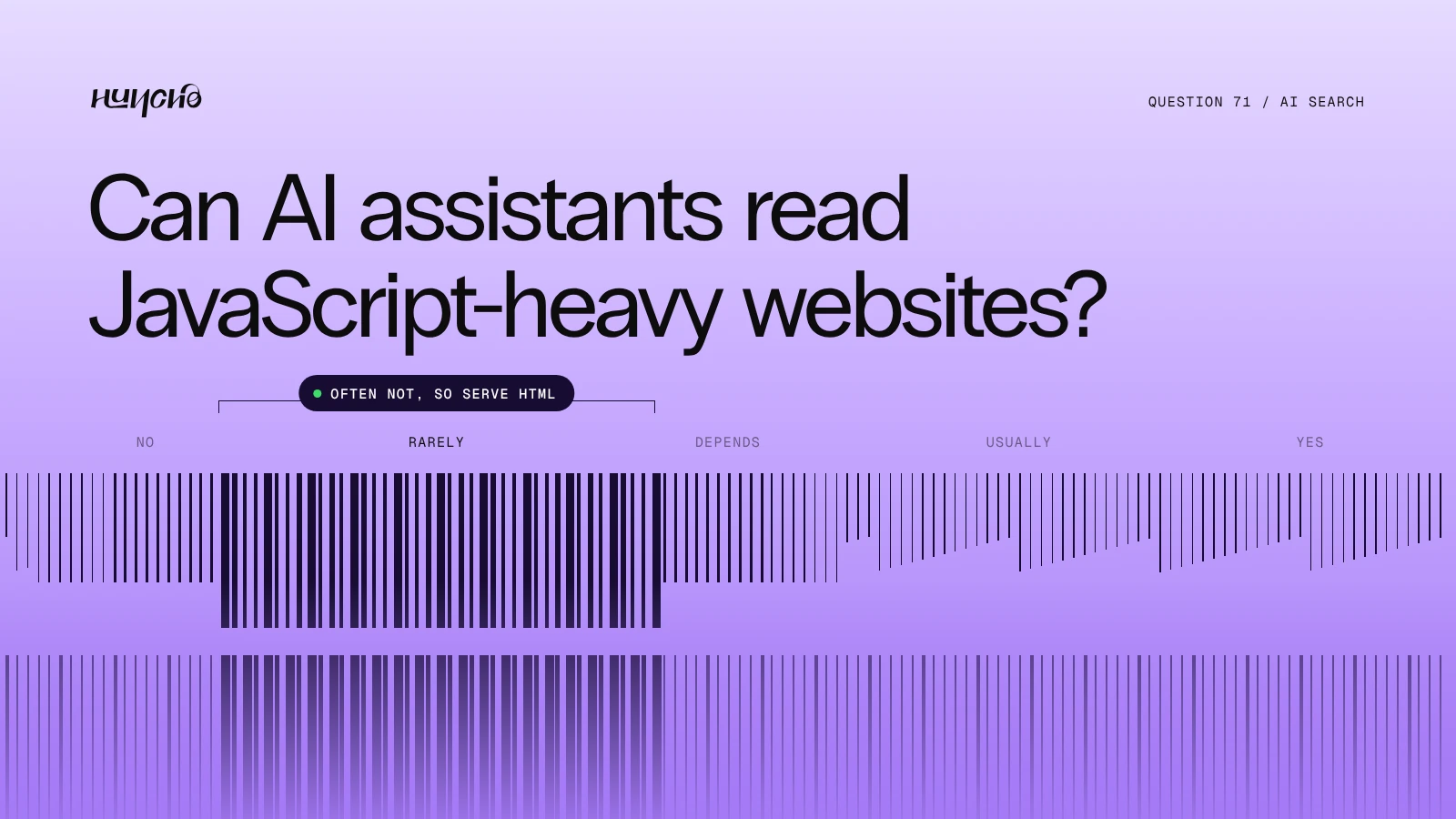
Often not. Google renders JavaScript, but most AI crawlers read only the HTML they are sent. An analysis by Vercel and MERJ, published on 17 December 2024, found that none of the major AI crawlers rendered JavaScript, with Google's Gemini as the exception. If your content appears only after scripts run, those assistants may see an empty page.
JavaScript and AI crawlers at a glance
- Google and Gemini: Render JavaScript
- OpenAI, Anthropic and Perplexity crawlers: Did not render JavaScript in the Vercel and MERJ analysis
- Safe approach: Server-rendered or static HTML
- Quick test: View the page source and search for your headline
How to check your site
- View source. Not inspect element. If the text is missing there, crawlers that skip JavaScript miss it too.
- Turn JavaScript off. Reload and see what remains.
- Check tabs and accordions. Content that loads on click may not be read.
How to fix it
- Use server-side rendering or static generation.
- Keep the key copy in the HTML.
- Do not load the main content from an API after the page opens.
- Webflow and Framer serve pages as HTML, so this is mainly a risk for custom single-page apps.
Studio Huncho builds in Webflow and Framer, where page content is served as HTML. See Webflow development.

Related reading: Does Schema Markup Help AI Assistants Find Your Company?, How Do You Redesign a Website Without Losing SEO?
FAQ
Is React bad for AI search?
No, if it is server-rendered. The problem is content that exists only after client-side scripts run.
Does this affect Google?
Less. Google renders JavaScript, though it can take longer to index.
Do AI crawlers read text in images?
Do not rely on it. Put important text in the page as text.
Building a site that search engines and AI tools can read? Talk to us.
Work with Studio Huncho
We're a creative studio for AI and SaaS startups. We design brands, websites, products and launch videos, and build sites in Webflow and Framer.