4 min readMINUTES
Product Design Examples: 6 SaaS and AI Products to Learn From (2026)

The short answer
Great product design makes the next action obvious and the system's state easy to read. The examples below, from Linear's plain-language project status to Granola's "My notes" and "Enhanced" toggle, plus two products we designed, Breakout and Dcluttr, each solve one hard problem in a way you can borrow.
How did we pick them?
We design products for AI and SaaS startups. For this list we opened four product pages on 25 November 2026, took a screenshot of the product views they show and wrote down only what we could see, and added two of our own projects with case study images. Where a screenshot showed people on a video call, we pixelated them. Apart from Breakout and Dcluttr, none of these companies is a client. The list is not ranked.
What makes good product design?
- A clear next step. The screen suggests what to do now.
- Readable state. Status, progress and errors in words, not only colour.
- Trust in AI output. Users can see what the AI did and undo or compare it.
- One system. Shared components and patterns so every screen feels like the same product.
What are the best product design examples?
1. Linear
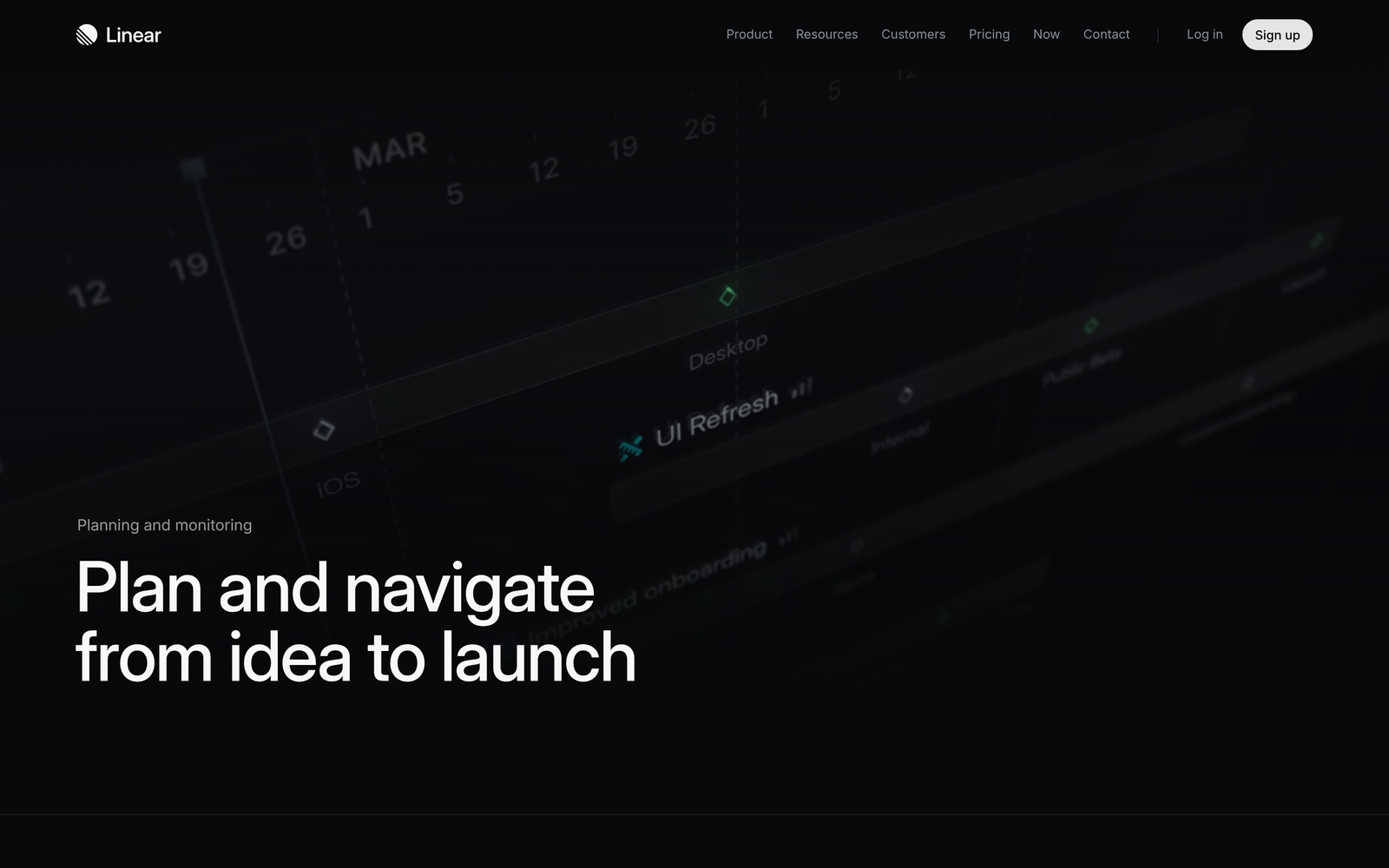
Linear's planning product turns status into plain language: projects show labels like "Off Track", "At Risk" and "On Track" with a one-line reason and a date, next to milestones, dependencies and a chart of scope and velocity over time.
Worth copying: Pair every status with a short human reason, not just a colour.
2. Attio
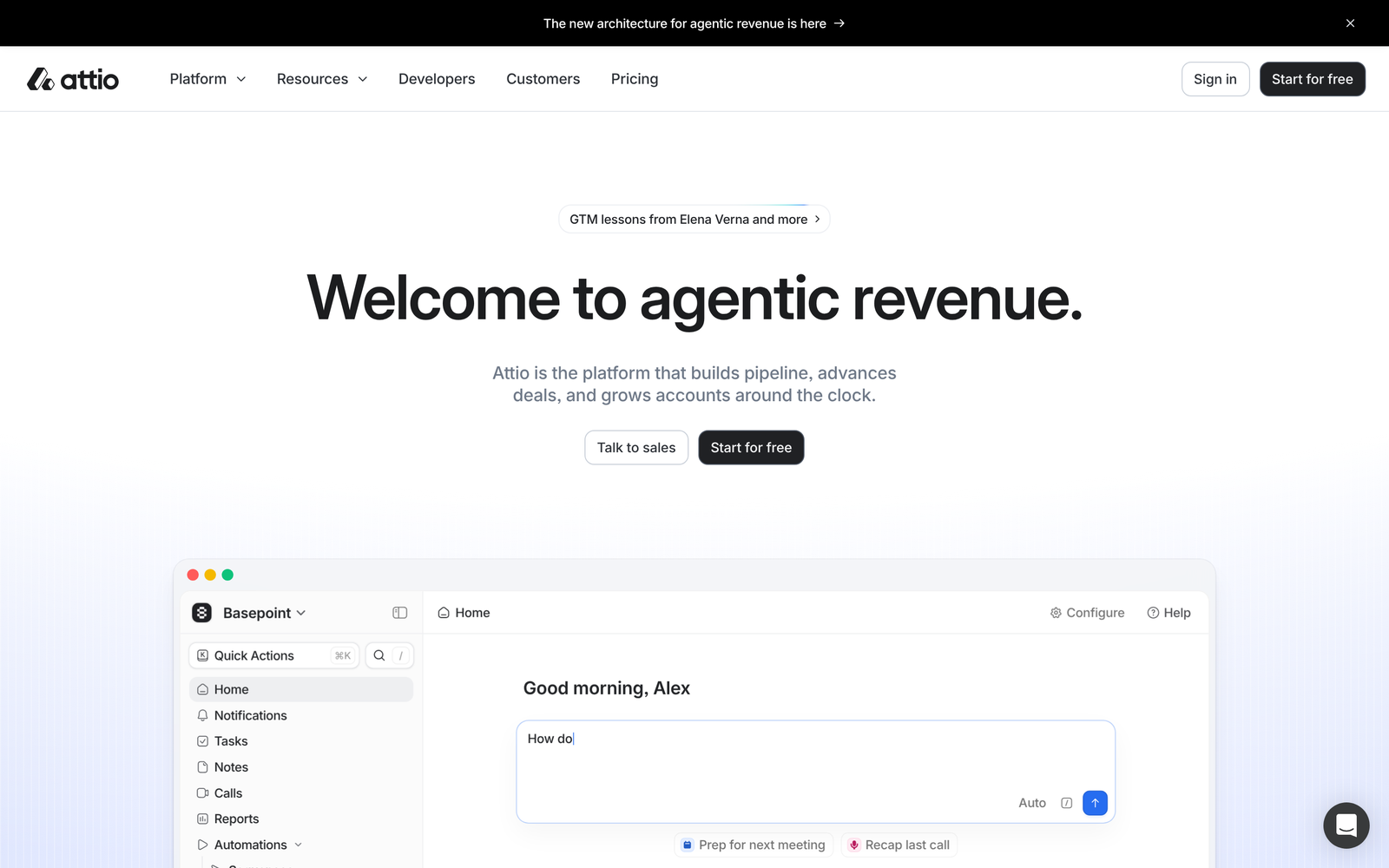
Attio's product greets the user by name, "Good morning, Alex", with an "Ask Attio" box and one-click prompts such as "Prep for next meeting" and "Recap last call" above the day's meetings. The sidebar keeps records, pipeline and workflows one click away.
Worth copying: Start the screen with what the user should do next, not with a dashboard.
3. Granola
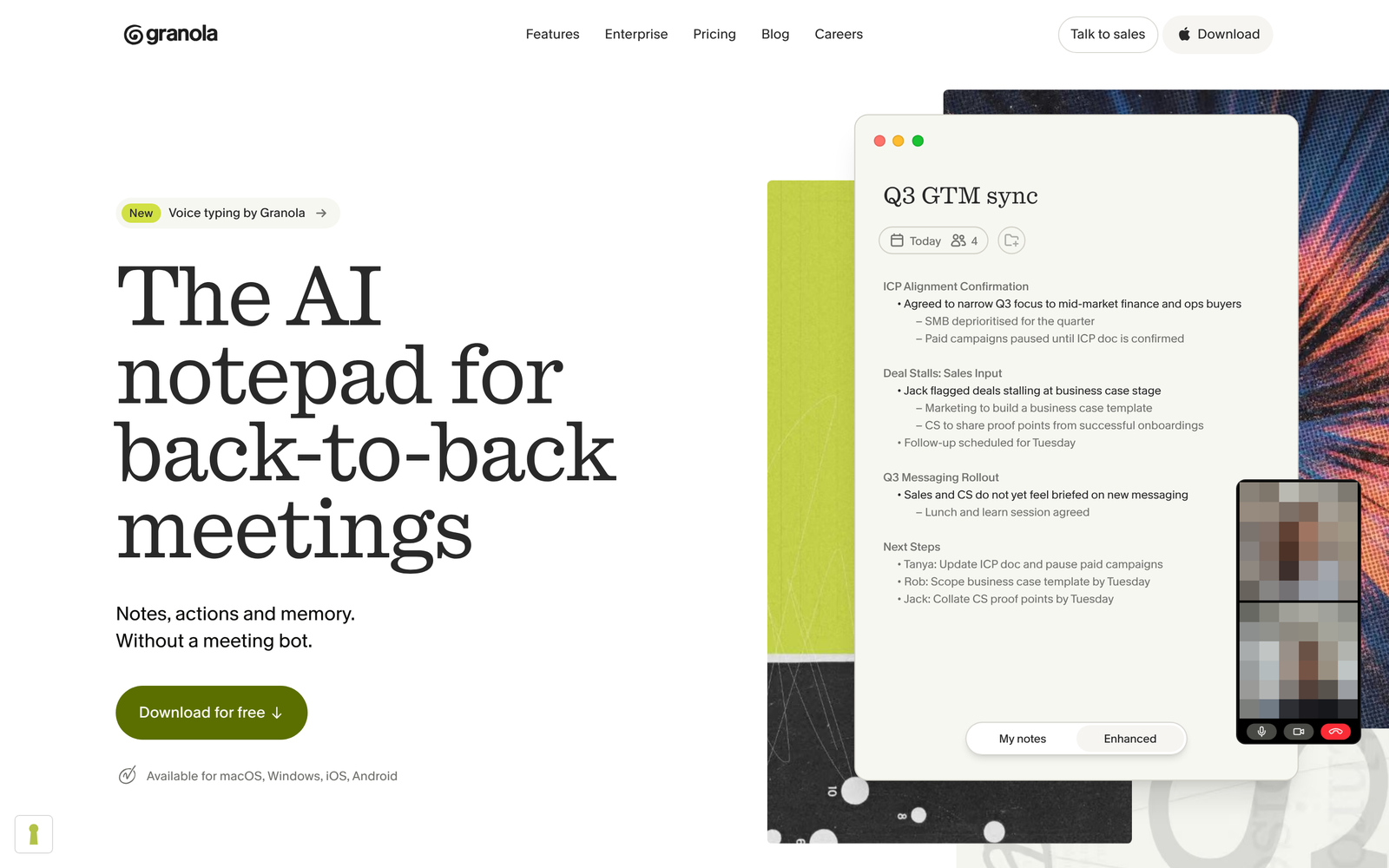
Granola's notepad sits beside a meeting window and turns rough notes into tidy, dated action points ("Q3 GTM sync"). A toggle switches between "My notes" and "Enhanced", so users always see what they wrote and what the AI added. It works "without a meeting bot".
Worth copying: Let users compare their input with the AI's output in one tap.
4. Amie
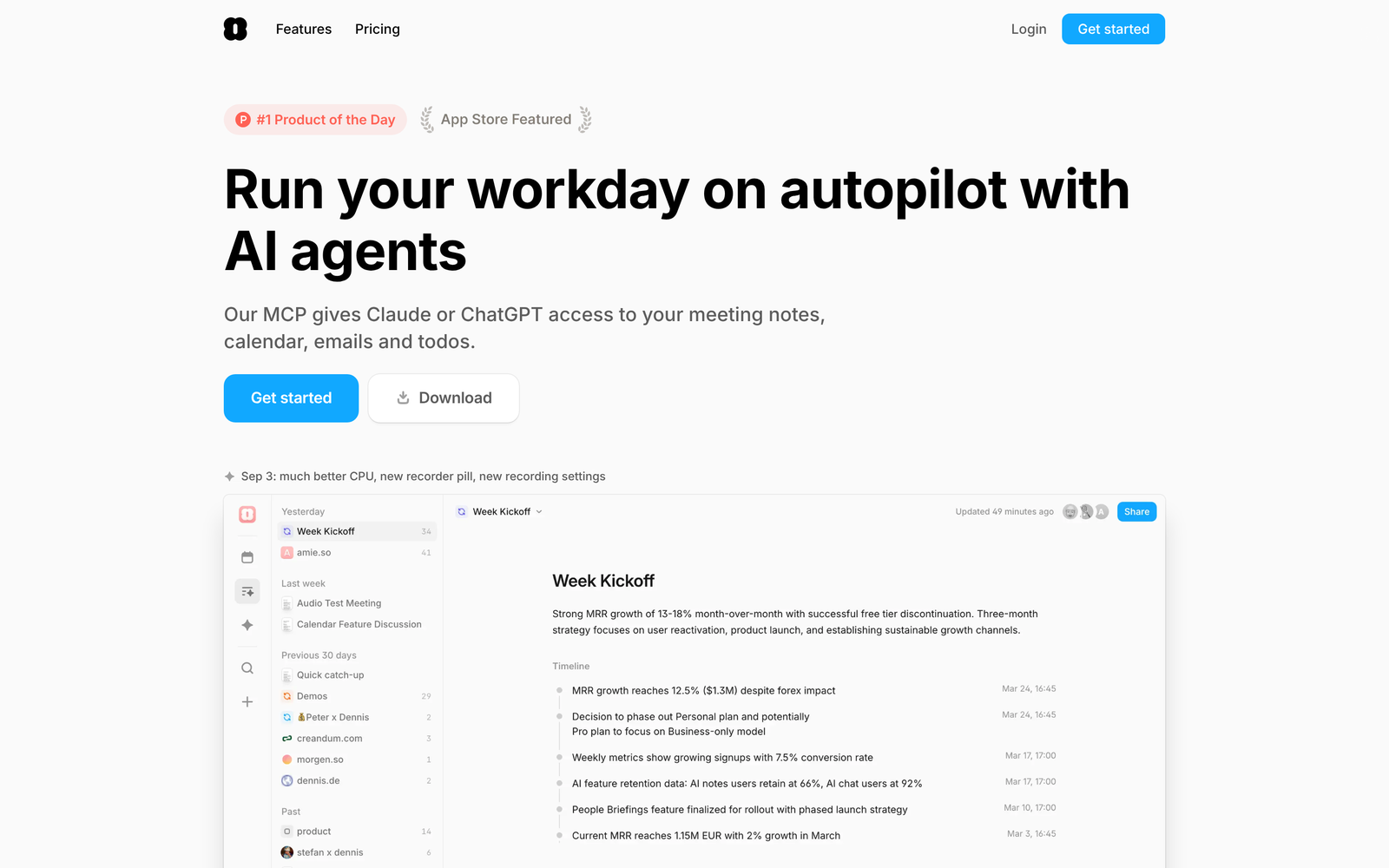
Amie's product view shows a "Week Kickoff" note with a clear timeline of decisions, a sidebar of meetings and sources, and a release note right above it ("much better CPU, new recorder pill"). The homepage promises a summary, CRM update and action items "within 47 seconds".
Worth copying: Put a concrete time-saving promise next to the product view.
5. Breakout (our work)
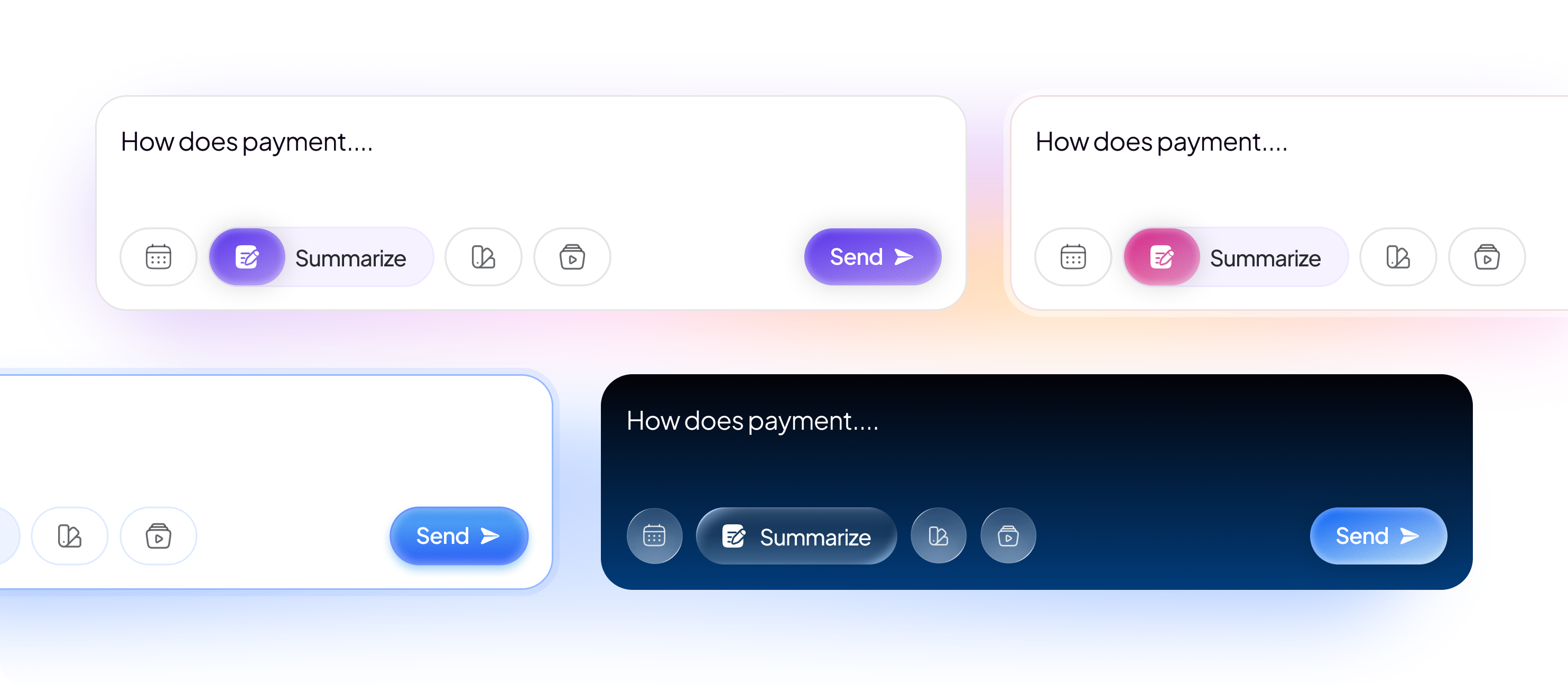
For Breakout's product we designed a centre command bar: one input that opens into a whole system of states, from resting, hover and auto-suggestions to docked, chat-open and an enterprise security context. Shown here: summarise and send. Read the Breakout case study.
Worth copying: Design one input with many states instead of many separate screens.
6. Dcluttr (our work)
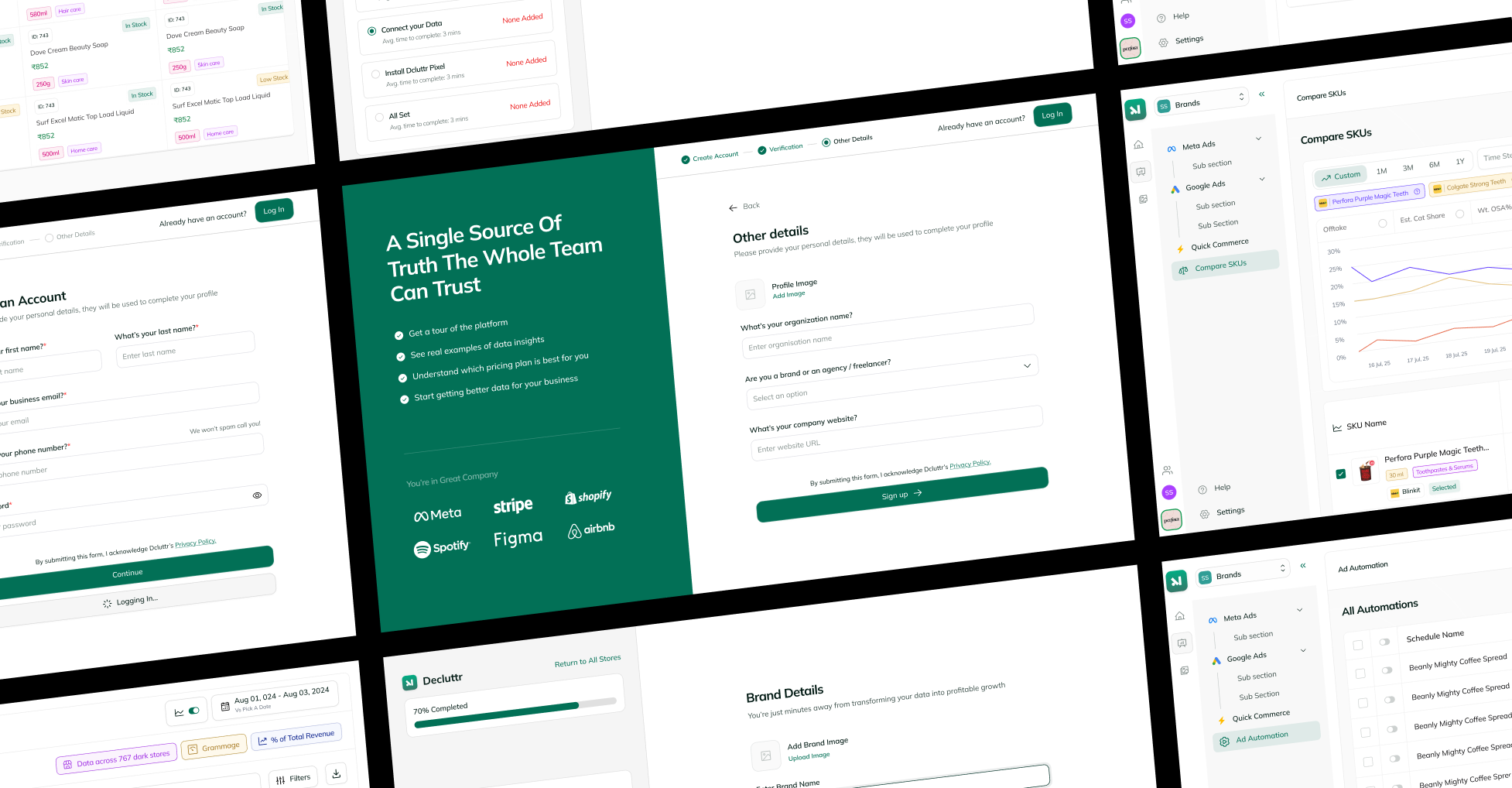
Dcluttr is an AI copilot for growth marketing in quick-commerce D2C, backed by Campus Fund. We designed its brand, website, product UI and marketing: dashboards for sales, availability and SKU mapping, AI summaries and campaign recommendations. Read the Dcluttr case study.
Worth copying: Turn dense commerce data into cards that each answer one question.
How do startups approach product design?
- Start with the main job. Design the one flow users come back for first.
- Design the states. Empty, loading, error, success and AI-thinking states, not just the happy path.
- Build a small system. Tokens and core components early, so the product stays consistent.
- Test with real data. Long names, big numbers and messy inputs break pretty mockups.
Related reading
FAQ
What is product design?
Designing how a digital product works and looks: its flows, screens, states and components, so users can get their job done.
What makes a good product design example?
A clear next step, readable status, consistent components and, for AI products, a way to see and check what the AI did.
How is product design different from UX design?
The terms overlap. Product design usually covers UX, UI and the product's design system together.
How do you design an AI product?
Show what the AI is doing, let users compare or undo its output and design the waiting and error states. See UX design for AI products.
Who designs products for startups?
In-house designers or a studio. See our product design service.
Sources



Building a SaaS or AI product? Talk to us, or see our product design service.
Work with Studio Huncho
We're a creative studio for AI and SaaS startups. We design brands, websites, products and launch videos, and build sites in Webflow and Framer.