2 min readMINUTES
How Do You Maintain a Webflow Site After Launch?

The short answer
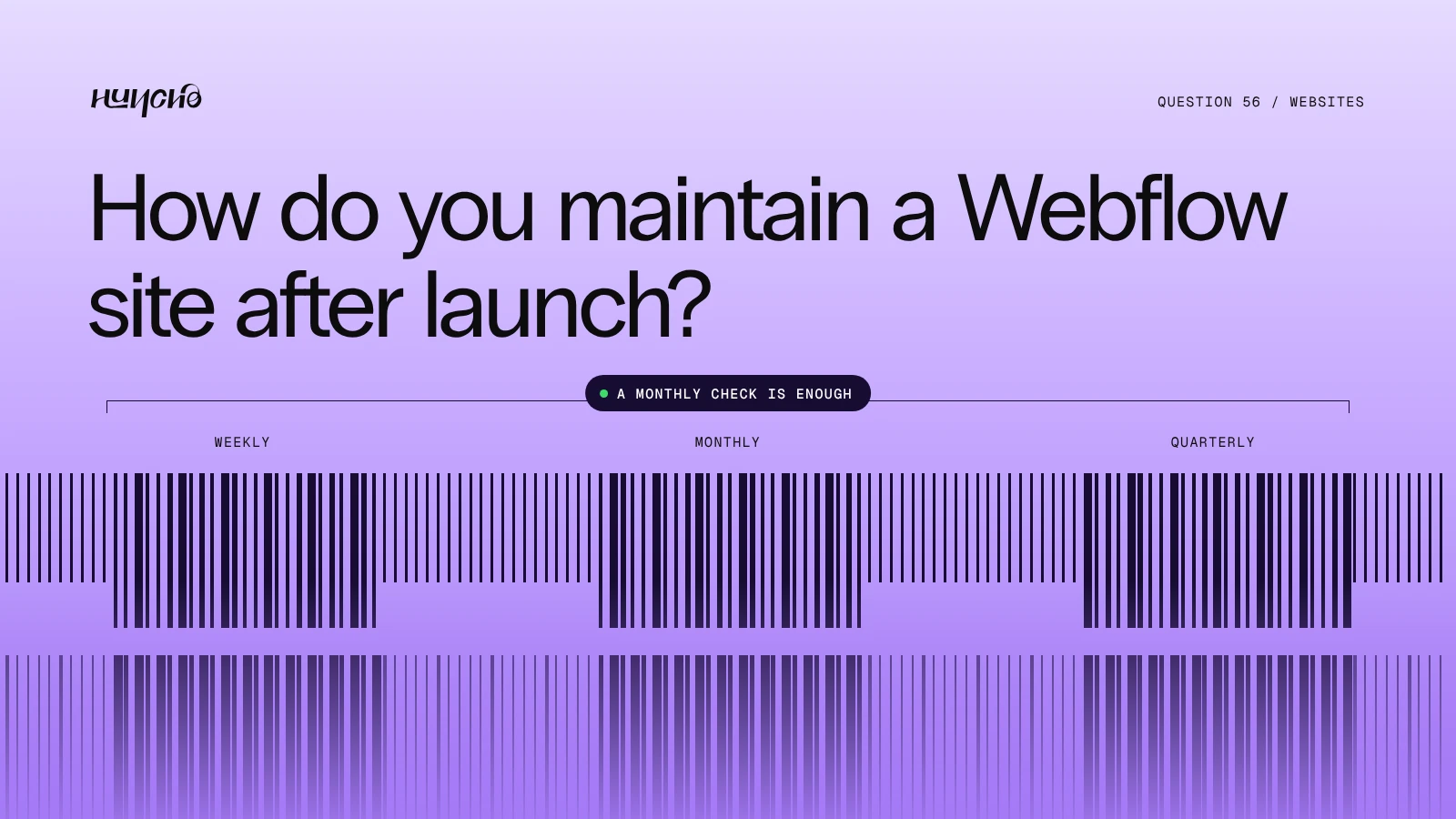
Webflow handles hosting, SSL and backups, so maintenance is mostly content and quality: publishing, checking forms and links, watching speed and search, and keeping the design consistent as pages are added. A monthly check is enough for most startups.
Maintenance at a glance
- Weekly: Publish content and check that forms reach the right inbox
- Monthly: Broken links, speed, Search Console and analytics
- Quarterly: Review key pages, messaging and SEO titles
- Handled by Webflow: Hosting, SSL and backups
What needs a person
- New pages. Built from existing components.
- CMS hygiene. Consistent fields, alt text and meta descriptions.
- Redirects. Every time a URL changes.
- Integrations. Forms, CRM and tracking, after any change.
- Design drift. Stop one-off styles creeping in.
Who should do it
A marketer can do most of it after a proper handover. Keep a studio or developer on call for new templates, interactions and integrations.
Studio Huncho supports Webflow sites after launch. See Webflow support.

Related reading: What Does a Website Handover Include?, How Often Should a Startup Redesign Its Website?, Best Webflow Agencies for Startups (2026)
FAQ
Does Webflow need plugin updates like WordPress?
No. There are no plugins to patch.
Can we restore an older version?
Yes. Webflow keeps backups that you can restore.
Do we need ongoing support?
Only if you ship new pages or features often.
Need a hand with a Webflow site? Tell us what it needs.
Work with Studio Huncho
We're a creative studio for AI and SaaS startups. We design brands, websites, products and launch videos, and build sites in Webflow and Framer.