2 min readMINUTES
Should a Startup Homepage Show the Product?

The short answer
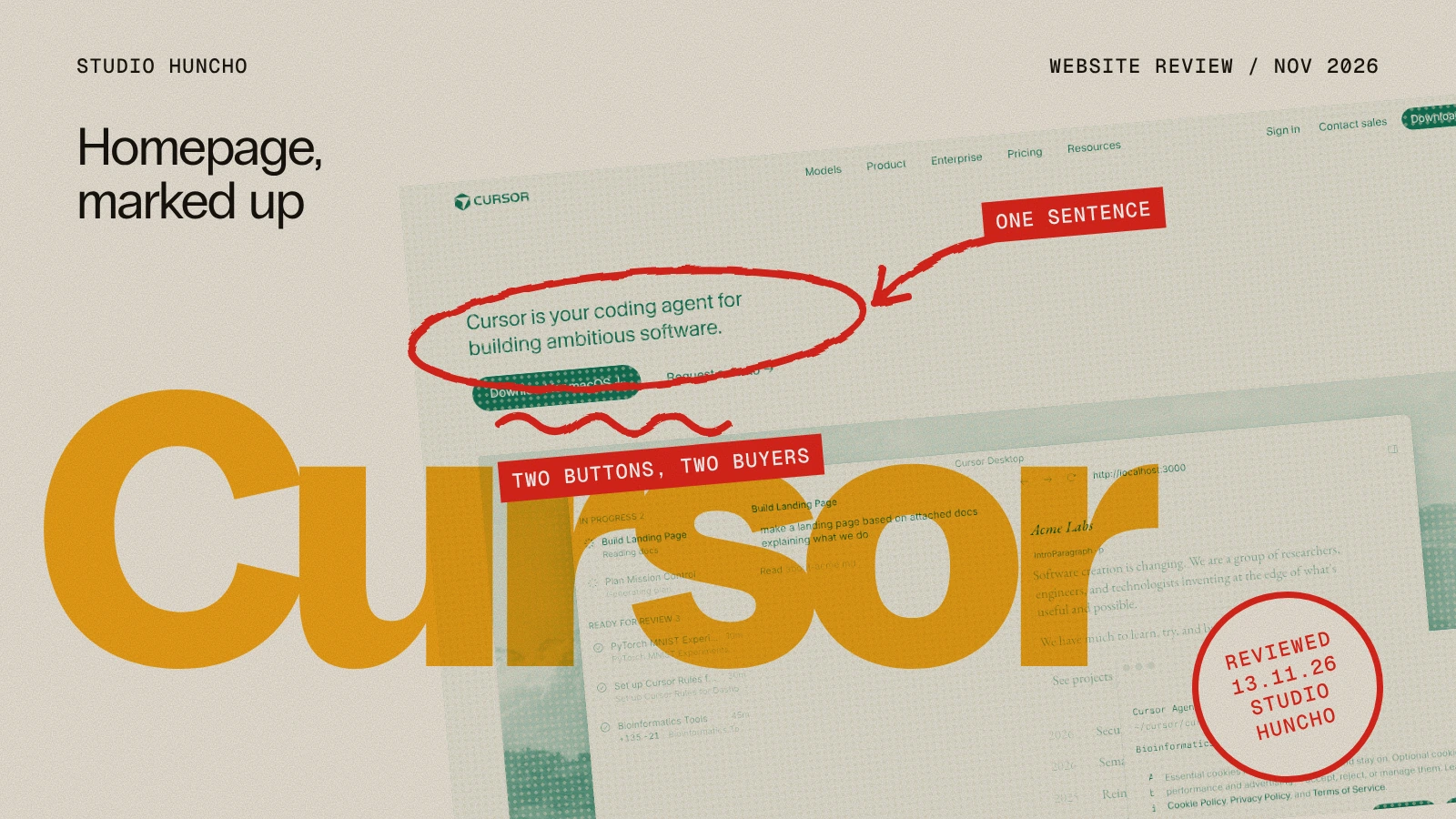
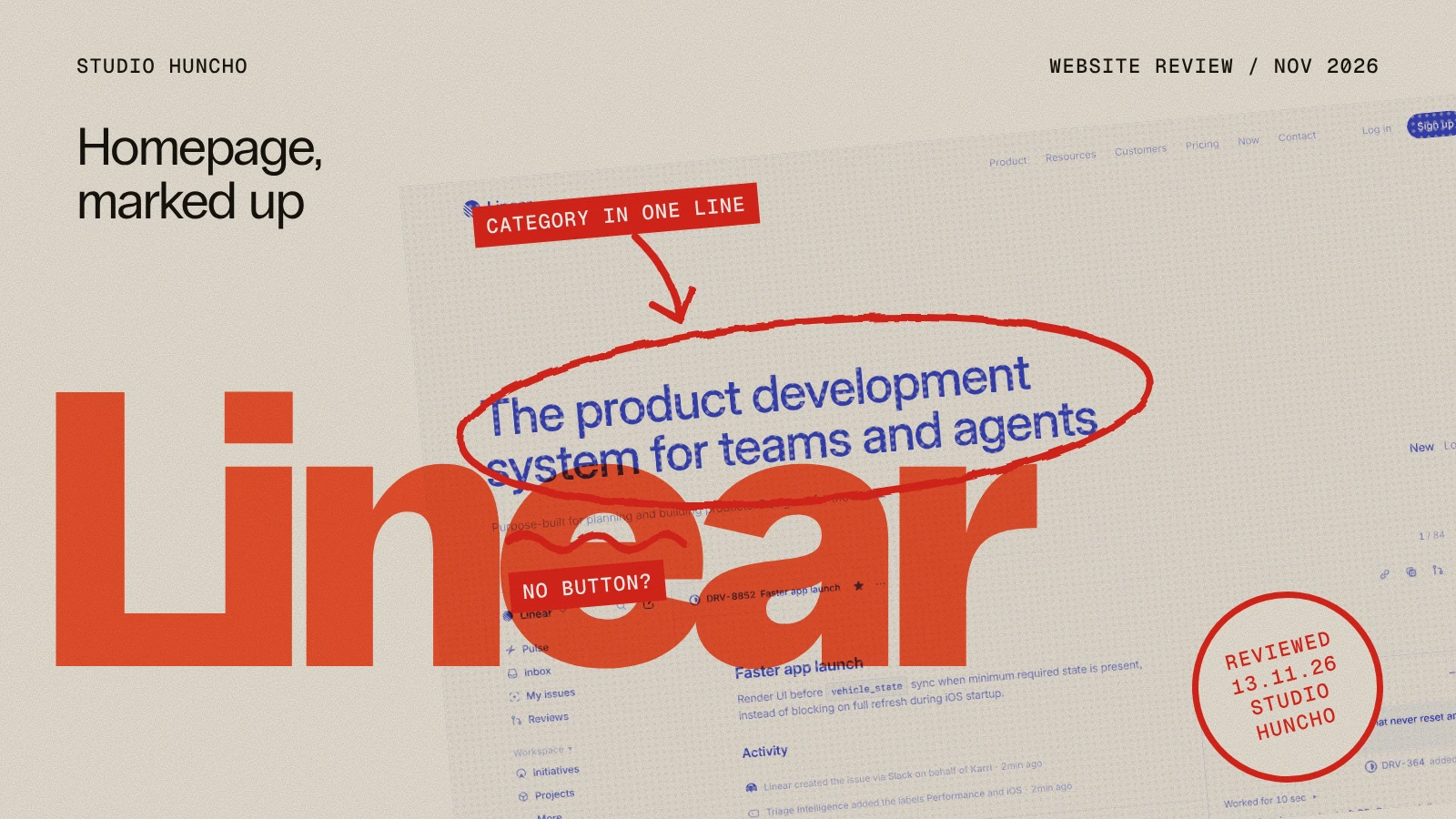
Yes, in most cases. Real product UI tells a buyer what they will get faster than an illustration does. In our study of 50 funded AI startup homepages, only 36% showed the real product in the hero.
Showing the product at a glance
- Show it: When the interface is the selling point
- Self-serve companies: 70% show real product UI in the hero
- Demo-led companies: 12% show real product UI in the hero
- Alternative: A short product video or an interactive demo
How to show it well
- Crop to one job. One screen, one task.
- Use believable data. Real-looking names and numbers.
- Animate the key step. A short loop beats a static screenshot.
- Keep it light. Compress images and lazy-load video.
When not to
- The product has no interface, such as an API. Show code or output instead.
- The UI is about to change.
- The buyer cares more about the outcome than the screen.
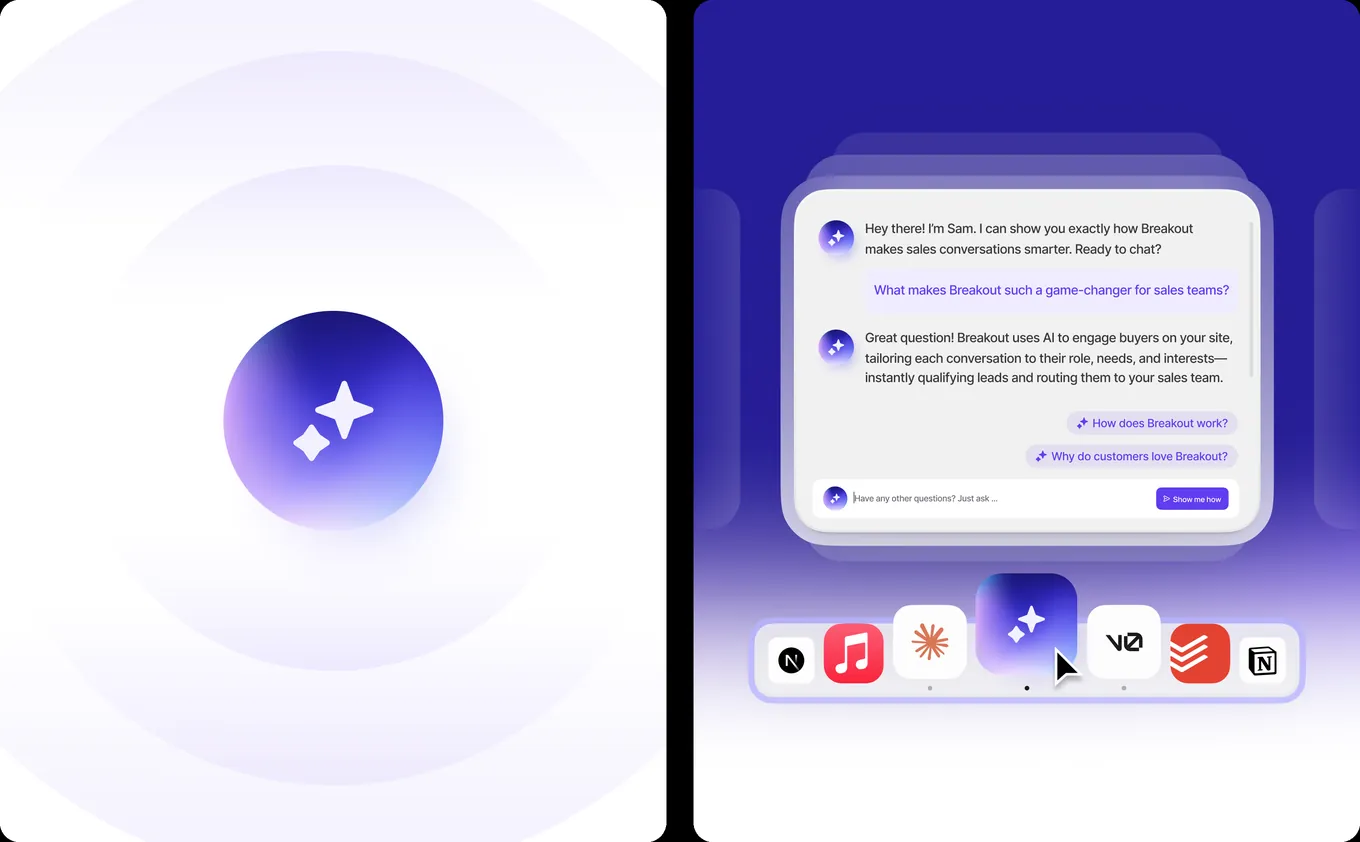
Figures are from our study of 50 AI startup homepages. Studio Huncho designed the website, product UI and motion for Breakout. See SaaS website design.
Related reading: We Studied 50 AI Startup Homepages. Here's What They Have in Common., Can UI Animation Replace a Product Demo?, Best Website Design Agencies for SaaS Startups (2026)
FAQ
Screenshot or illustration?
A screenshot, if the product looks good. An illustration, if the idea is abstract.
Should the hero be a video?
A short silent loop works. Long videos slow the page.
What if the product is not finished?
Show designed screens of what is coming, and do not present anything as live that is not.
Redesigning your homepage? Tell us about the product.
Work with Studio Huncho
We're a creative studio for AI and SaaS startups. We design brands, websites, products and launch videos, and build sites in Webflow and Framer.