.webp)
6 min readMINUTES
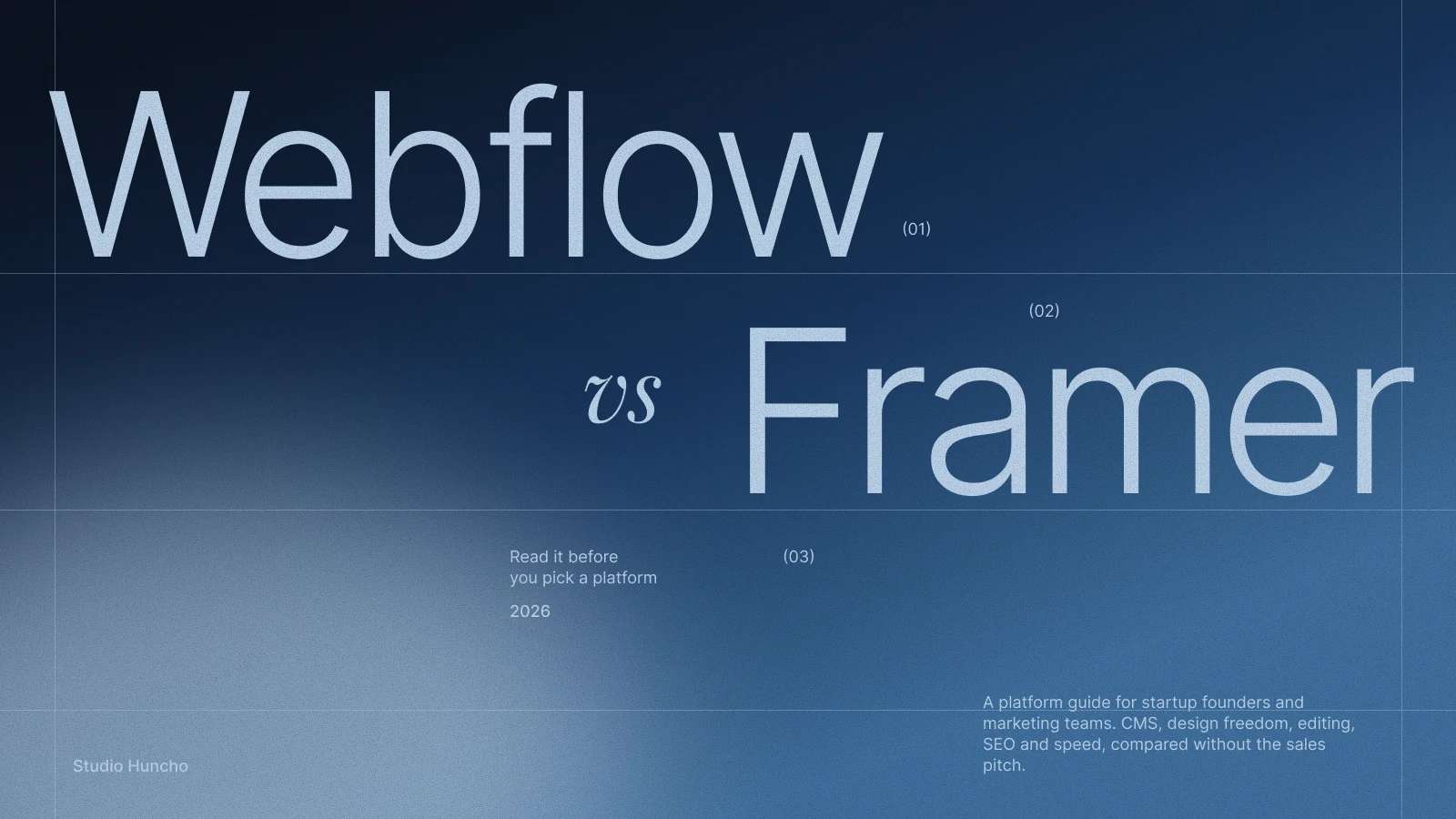
Webflow vs Framer for Startups (2026)

The short answer
Choose Webflow if your site will be content-heavy, with a large blog, resource library or several languages, and you want mature CMS controls with room to grow into enterprise features. Choose Framer if your team wants to ship pages quickly, edit directly on the live site and add rich motion without code. Both have solid SEO basics and let marketers update the site without a developer. The deciding factors are how much content you'll publish and who runs the site after launch.
How we compared them
We build startup sites in both: Itilite, Further AI, Coris, Zime and VESC Technologies on Webflow; Dcluttr, Brand Factory and Arva Health on Framer. The notes below come from that work and from each platform's own pricing and product pages. Limits change often, so check both pricing pages before you commit.
CMS and blog scale
This is the biggest practical difference. Webflow's CMS site plan includes 20,000 CMS items across 40 collections, with reference fields, scheduled publishing, per-item publishing, RSS feeds and per-item indexing control. You can import and export collection items by CSV.
Framer's Pro plan includes 2,500 CMS items and 10 collections, and you can buy add-ons up to 40,000 items and 40 collections. Basic is capped at 1,000 items and 2 collections, which gets tight if you plan programmatic SEO pages or an integrations directory.
If you expect thousands of articles or glossary pages, Webflow is the more comfortable home. For a blog, careers list and a few case studies, Framer handles it well.
Localisation
Both platforms sell localisation as an add-on. Webflow Localize gives you AI translation as a first pass, serves localised pages in subdirectories, adds hreflang tags to the auto-generated sitemap and lets you adjust styles and swap images per locale. The entry tier covers up to three locales; the advanced tier covers up to ten and adds localised URLs.
Framer's localisation add-on supports up to 20 locales on its Basic and Pro plans. Auto Translate uses AI to translate new or changed content, including CMS items, and draws on your plan's AI credits. You can also translate page paths and use different images per locale.
For two or three markets, either works. Webflow gives finer per-locale styling; Framer makes it quick to keep many languages in sync.
Interactions and animation
Framer's motion tools sit on the canvas. Appear, hover, press, drag, loop and scroll effects, text effects and component variants are set visually, so designers can ship polished motion without code. React code components cover the rest.
Webflow's newer Interactions panel runs on GSAP at no extra cost, with SplitText, staggers, ScrollTrigger and reusable timelines. GSAP itself, including its formerly paid plugins, is now free.
In practice, Framer is faster for most marketing-site motion, while Webflow gives more depth for complex, timeline-based animation, with a steeper learning curve.
Editing for non-developers
Framer's on-page editing lets anyone with content permissions change text, images, component properties and CMS content directly on the published site. Someone with publishing rights then reviews and pushes the changes live. Framer offers cheaper content-editor seats, and viewers are free.
Webflow splits seats into Full (design and admin), Limited (edit content or build pages from existing components) and free seats for reviewers and commenters. Marketers can build new pages from approved components without touching the underlying styles.
Framer feels more like editing a design file. Webflow keeps editors inside firmer guardrails, which helps when several people touch the site every week.
SEO and AEO
The basics are covered on both: editable titles and descriptions, CMS-driven meta fields, auto-generated sitemaps, 301 redirects (on Framer's Pro plan), canonical tags, per-page indexing controls and custom code for JSON-LD schema. Both can host /.well-known/ files on their higher plans, and Framer also supports root-level files such as robots.txt and llms.txt. Webflow adds RSS feeds and per-item indexing control for CMS collections, and its Team plan includes AEO agents aimed at visibility in AI search.
Neither will rank a site on its own; content and structure matter far more.
Performance and hosting
Webflow hosts on AWS infrastructure with Cloudflare's CDN, converts images to WebP and AVIF, and supports HTTP/2 and HTTP/3. Framer serves sites from a global CDN, with 20 locations on Basic and more than 300 on Pro, and handles lazy loading and image compression for you. On either platform, heavy video, oversized images and third-party scripts hurt speed more than the platform choice.
Integrations
Webflow has an Apps marketplace, including a HubSpot app, REST APIs for managing CMS content, and its own Optimize product for A/B testing and personalisation. Framer has a plugin marketplace, including a HubSpot plugin for forms, meeting embeds and tracking, and a Convert add-on for A/B testing. Both offer an MCP server so AI tools can work with your site.
Team collaboration
Framer has live multiplayer editing, plus branching with shareable previews and a staging environment on Pro. Webflow added real-time collaboration on paid and multi-user plans in early 2026, offers staging through workspace plans, and adds publishing workflows on its Team plan. Framer's canvas feels natural to a design team that lives in Figma; Webflow's roles and permissions suit larger marketing teams.
Plans and hosting structure
Webflow splits billing into site plans (hosting, CMS limits and bandwidth per site) and workspace plans (seats, staging and roles), plus localisation add-ons. Its Team plan bundles localisation, publishing workflows and governance for larger organisations. Framer is simpler: one plan per site, editors billed per seat, and add-ons for locales, A/B testing, advanced hosting and extra CMS capacity. Both have free plans. The real difference shows up once you add seats, languages and add-ons.
Migration
Moving between the two is a rebuild, not a one-click import. Framer's Agent can bring blog posts and other CMS content across from Webflow, but pages are recreated, and Framer itself advises checking fields and setting up redirects because SEO isn't preserved automatically. Moving into Webflow usually means rebuilding the design and importing CMS content by CSV. Either way, build a redirect map for every changed URL before launch.
Which should you choose?
Choose Webflow if…
- You plan to publish at scale: a large blog, programmatic pages or a resource library.
- You need several languages with per-locale styling and subdirectory URLs.
- Several people will edit, and you want strict, component-based guardrails.
- You expect enterprise needs later, such as governance, publishing workflows and security reviews.
- You want complex, timeline-driven animation with GSAP.
Choose Framer if…
- Your site is mainly a strong homepage, product pages, a blog and careers, not thousands of CMS items.
- Your designers want to build and ship directly, without a handoff to developers.
- Motion is a big part of your brand and you want it without code.
- You want marketers editing straight on the live page.
- You need to launch fast, for example ahead of a raise or a product announcement.
A quick checklist before you decide
- Count your content. Estimate CMS items for the next two years, not just today.
- Name the owner. Is the weekly editor a designer or a marketer?
- List your languages. Note the markets you'll enter in the next year.
- Map your integrations. Check your CRM and analytics tools against each marketplace.
- Price the full setup. Add seats, locales and add-ons to the base plan on both pricing pages.
FAQ
Is Framer good for SEO?
Yes. It covers meta fields, sitemaps, canonical URLs, indexing controls, redirects on Pro and custom code for schema. Results depend far more on content and structure than on the platform.
Can we switch from Webflow to Framer later, or the other way?
Yes, but treat it as a rebuild. CMS content can move across; pages are recreated. Plan redirects for every changed URL.
Which is better for an AI startup website?
Framer suits a launch site that needs strong motion and fast iteration. Webflow suits a company building a content engine with a big blog or several languages. More in the best design studios for AI startups.
Do we need a developer to run either platform?
Not for day-to-day edits. You'll want a developer or agency for the build, custom code, integrations and design system changes. See our Webflow and Framer development service for how we hand sites over.
Not sure which platform fits your site? Tell us what you're building and we'll recommend the one we'd build it on.
Work with Studio Huncho
We're a creative studio for AI and SaaS startups. We design brands, websites, products and launch films, and build sites in Webflow and Framer.


.svg)