SaaS Dashboard Design With Every State Accounted For
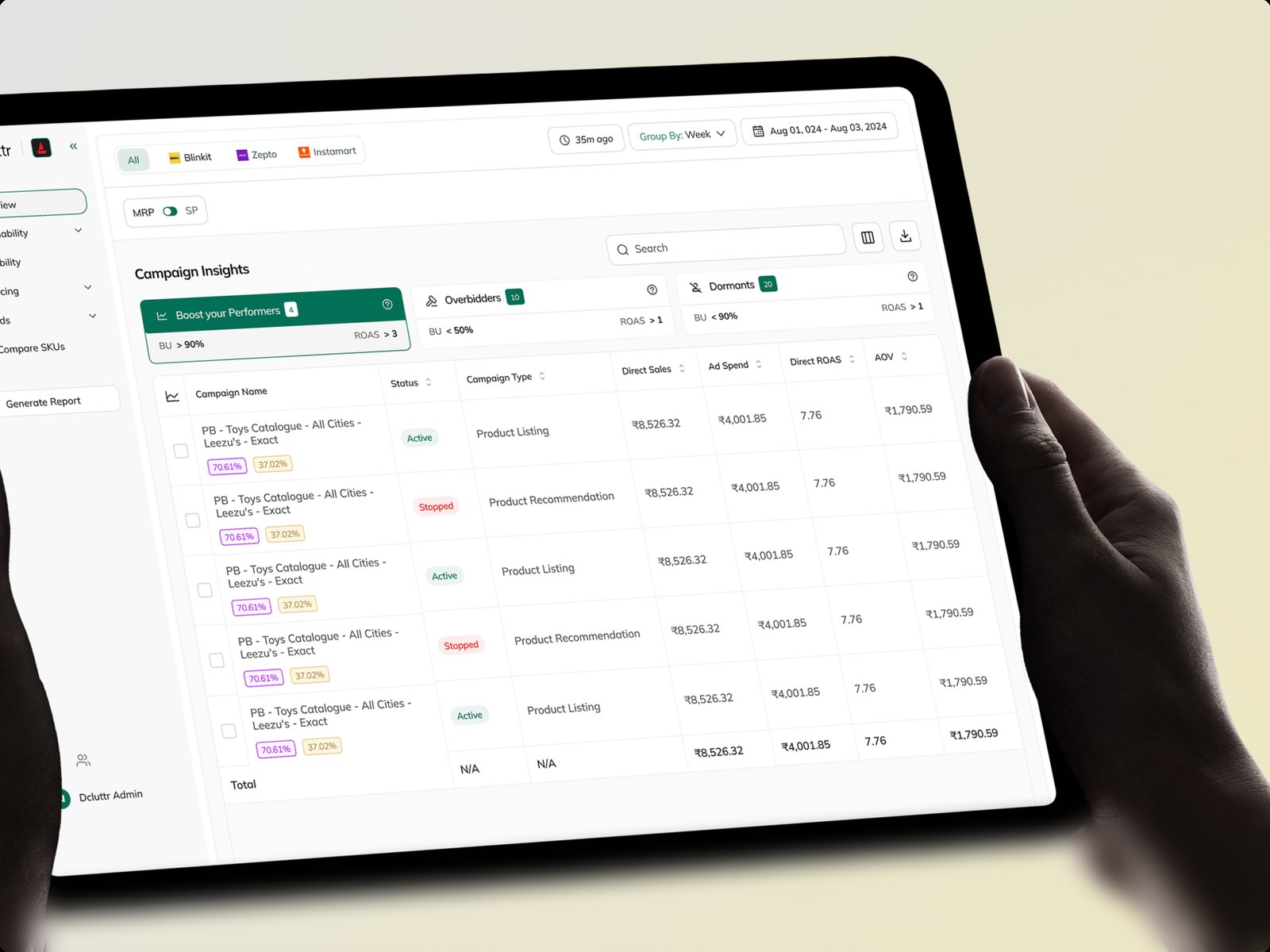
Studio Huncho is a creative studio in Bangalore that designs dashboards and web apps for SaaS and AI products. We make dense data readable, design the empty, loading, error and permission states most teams leave to engineering, and hand over files your developers can build without guessing. Recent work includes the Arva Health dashboard and Dcluttr.



What you get on day one of build
The handover your engineers need to start without a round of questions.
1. Information architecture
Navigation, page hierarchy and which metrics earn a place above the fold.
2. Core screens
Overview, tables, detail views, settings and onboarding, at desktop and smaller widths.
3. State library
Empty, loading, error, permissions and partial data for every component that needs them.
4. Charts and tables
Chart types, colour rules, number formats and table behaviour such as sorting and filters.
5. Components, prototype and specs
A Figma library with variants and tokens, clickable flows for review and annotated files for engineering, with design QA as it ships.
Women served by Arva Health, whose app and dashboard we designed (Arva's figure).
Growth in daily active users at Dcluttr, according to its co-founder.
Raised by Breakout, the inbound AI SDR backed by Village Global, whose command bar we designed.
Our Process
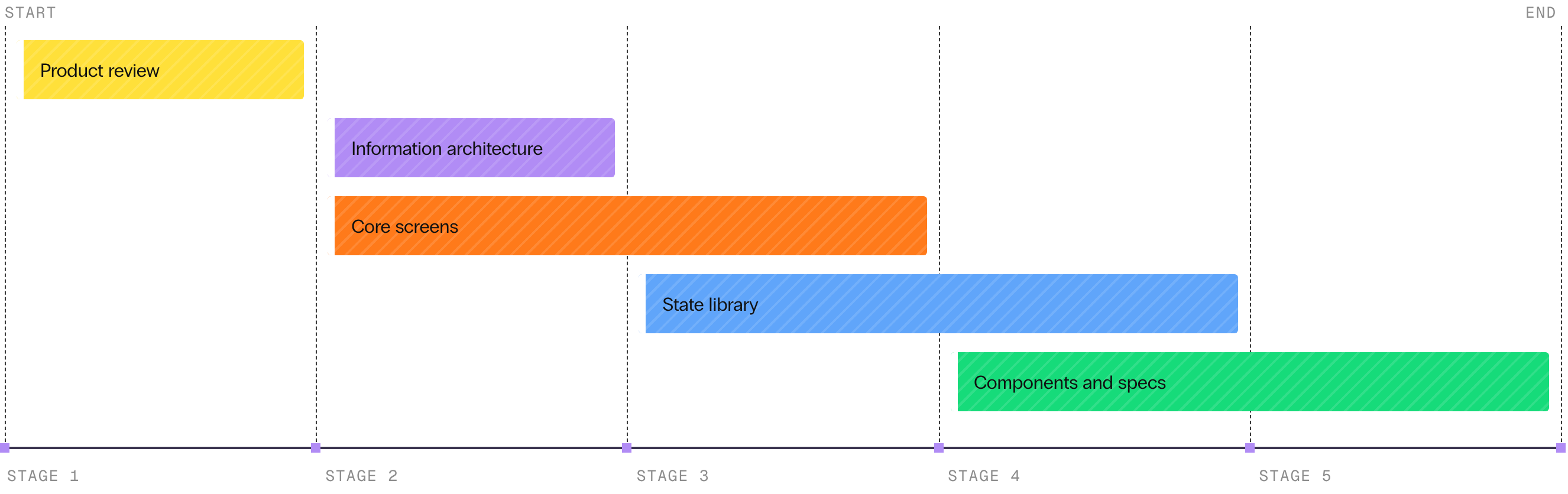
Product review
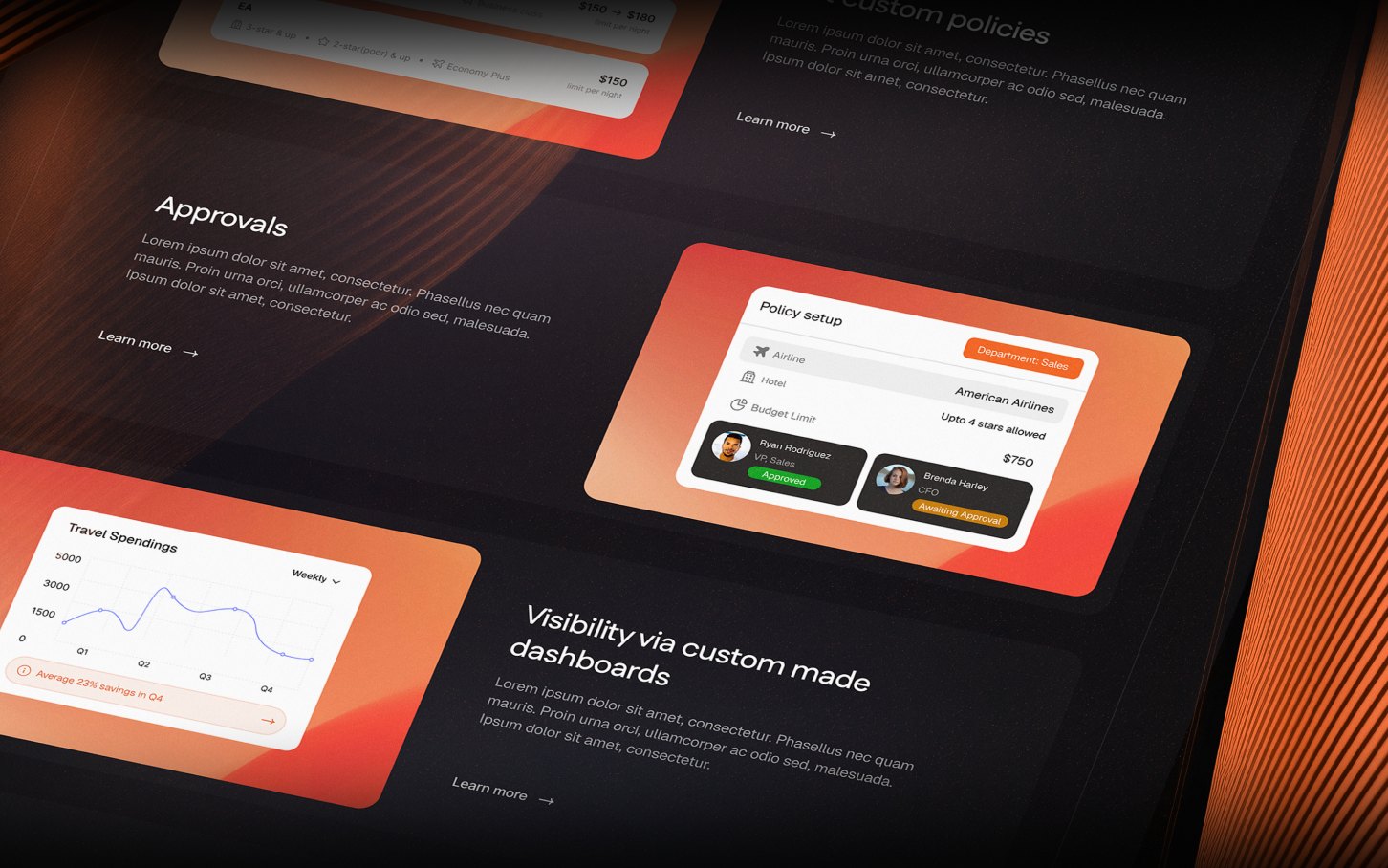
We go through the current product, analytics and support tickets with your team and a few users, and agree which screens matter most.
Structure and core screens
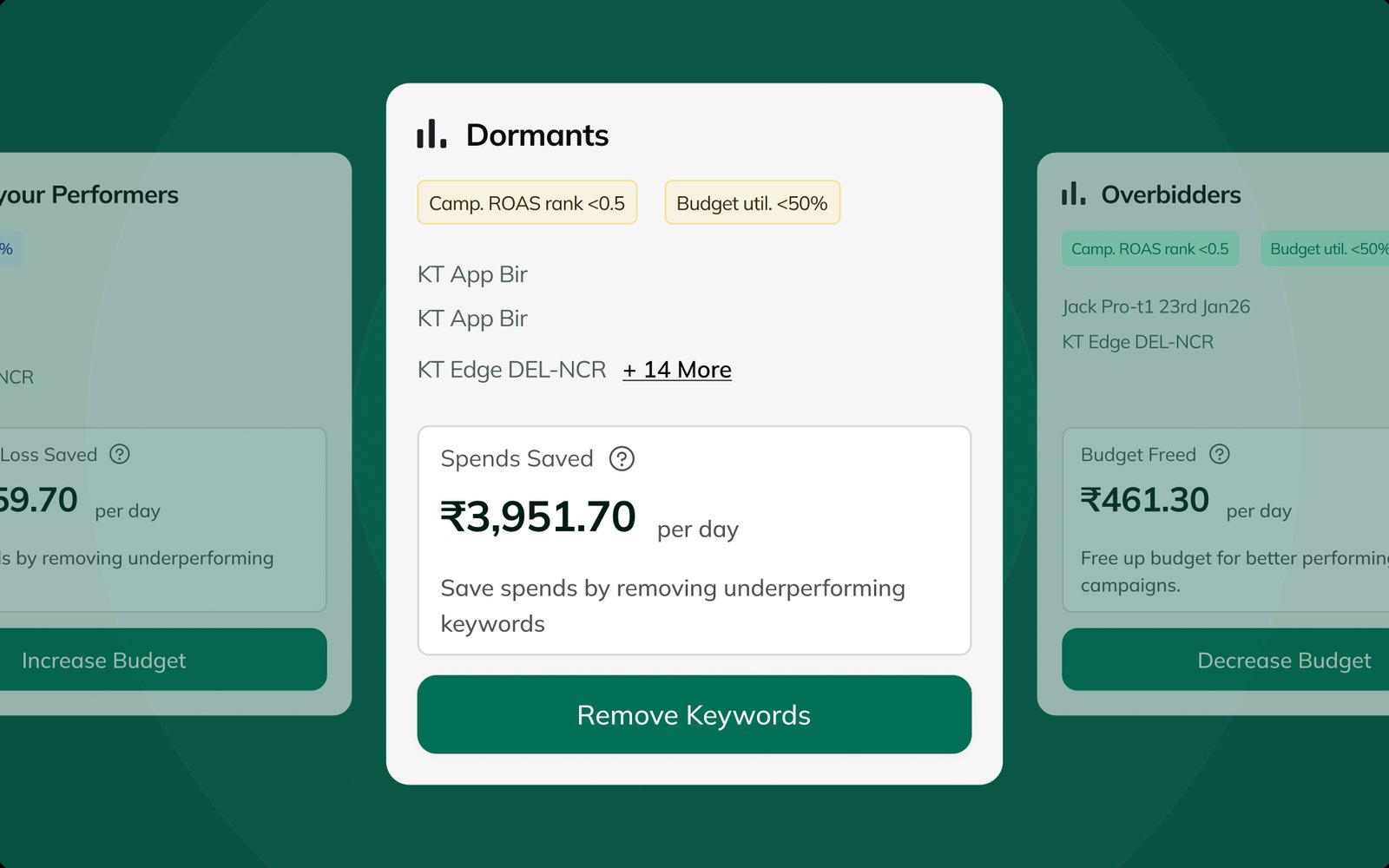
Navigation, hierarchy and the overview, table and detail screens, with the few numbers users act on placed first.
Every state designed
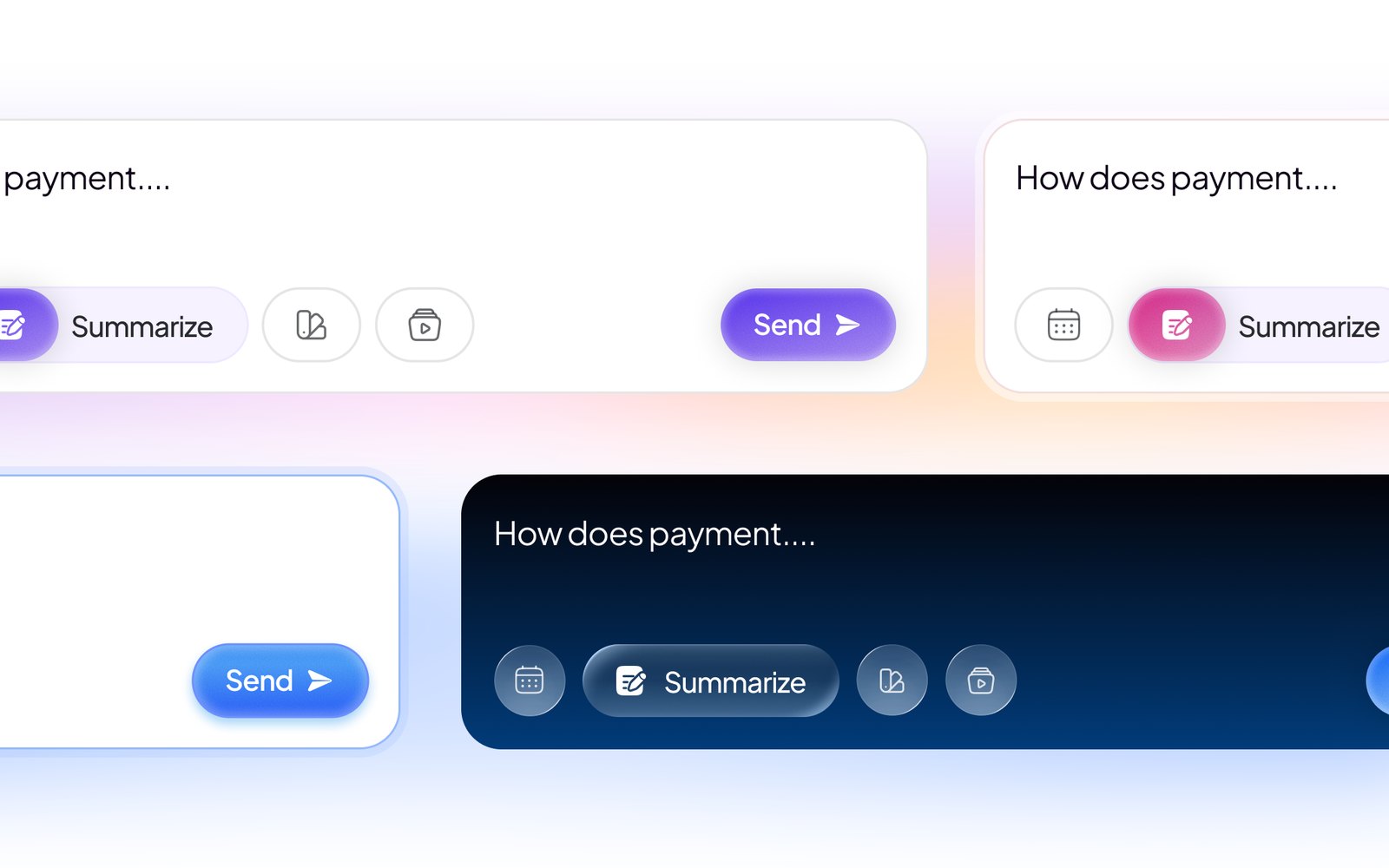
Empty, loading, error and permission states for each screen, plus slower states for AI responses and long queries.
Components, specs and QA
A component library with tokens, annotated files for engineering, and design review of builds before they ship.
How the process usually goes
Dashboards and data, in the work


Why teams choose us for dashboards

Every state designed
New accounts start empty, data loads slowly and connections fail. Each of those screens is designed, not left to chance.

Dense data, made clear
Charts, tables and number formats chosen so users find what to act on first.

Built for AI products
Thinking, partial and low-confidence states designed alongside the finished answer.


Trusted by the brands building what's next.
Hear it from the founders and operators who’ve launched, rebranded, and scaled with us.


"They got what we were building from day one. The new site and motion graphics translated a technical AI product into something that actually feels like the future of risk infrastructure. Felt less like hiring an agency, more like adding a design partner to the team."


“Partnering with Studio Huncho has been afantastic experience. The responsiveness and creative ideas shared along made the process seamless.”


“Working with Studio Huncho over the past few months has been exceptional. Having a dedicated contact person who truly understands your vision and expertly implements it is invaluable. They've transformed our ideas into reality with remarkable precision.”


“We worked Studio Huncho and they did an amazing job with the website. The designs were super impressive, they were very accommodating with iterations and feedback. Team was very proactive in maintaining project timelines & delivering everything within projections. The team worked as an extended team with us. I strongly recommend working with Studio Huncho”


“Working with Studio Huncho was a smooth and collaborative ride. From brand identity to website design, development, and our product launch video — they absolutely nailed it. The team had a strong grasp on our vision and brought it to life with clean visuals, thoughtful design, and seamless execution. We’re super happy with the outcome and look forward to more!”


“Huncho doesn’t feel like an external agency. They work like an extension of our in-house team, invested in every brief the same way we are. What stands out is that they never treat a project as just a deliverable, they think about how each piece adds to the brand over time.”


“Working with Studio Huncho has been a genuinely great experience. They are reliable, deliver high-quality work, and turn things around quickly, exactly what you need when you’re trying to move fast. They’ve been a strong partner in helping us operate and iterate at pace, and their support throughout has been superb.”


The folks at Studio Huncho have a very high quality bar for their design work, and are one of the best in the biz for understanding your brand/project needs and delivering a design solution that meets all objectives. It has been great working with them - processes flow smoothly, timelines are met. Highly recommend them for any brand/design projects if you're looking to do something really cool!


“Thanks to Studio Huncho's time and effort, we were able to successfully raise our initial round of funding, onboarding our first paying customers, and increasing our daily active users by 35% to 40%. The team is very responsive and delivers quality designs on time. The team has been very responsive and has maintained design quality even as they scaled up their operations.”